Running a CBD shop means dealing with rules most retailers never think about: age restrictions on certain products, processors that treat the industry as high risk, and inventory that needs careful tracking. A CBD POS system should make those parts of the job easier, not add more steps. Here is what to look for.
Why CBD stores need a specialized POS
- Payment processing is harder. Many processors restrict or decline CBD merchants, and some POS systems only work with their own processor.
- Age checks. Depending on your state and product type, you may need to verify age at the counter.
- Detailed inventory. Products, strengths, sizes and batches need to be tracked accurately.
- Changing regulations. Rules vary by state and can change, so records matter.
Payment processing: the first hurdle
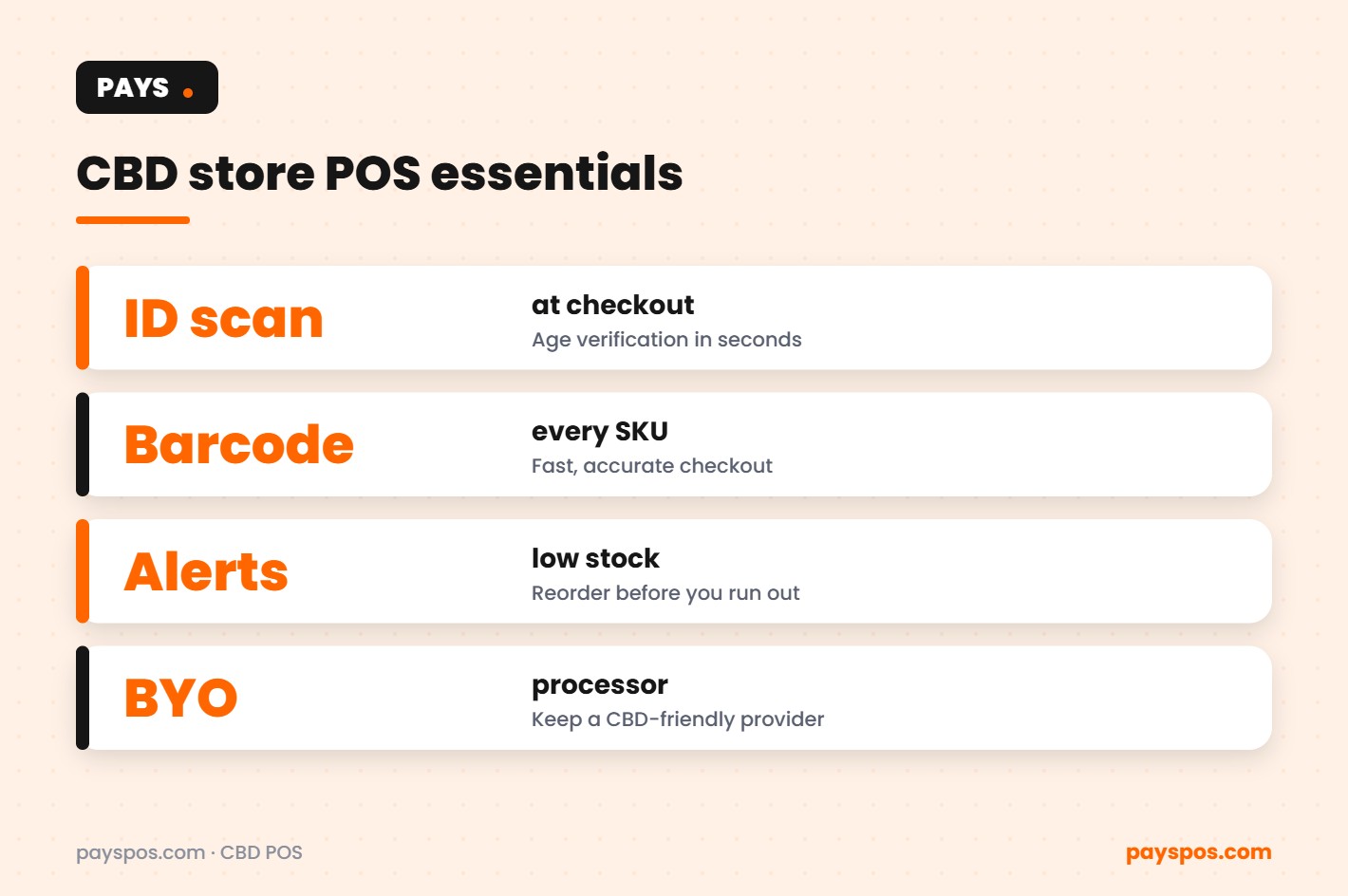
Because CBD is often classed as high risk, approval can take longer and some providers decline outright. The worst situation is a POS that only works with a processor that later drops your account, forcing you to replace your whole system.
A processor-agnostic CBD POS system avoids that trap. With PAYS, you can bring your own processor, including a provider that specializes in CBD, and keep your POS if you ever need to switch. You can also use dual pricing, so card payments cover their own fees; PAYS offers this as Cash Discount Pro. Check your state’s rules first.
Age verification at checkout
Some CBD products, and many smoke-shop items sold alongside them, are age restricted in many states. Relying on staff to eyeball an ID during a rush invites mistakes. A POS with ID scanning lets staff scan a license and confirm age in seconds, and keeps the check consistent from one shift to the next. PAYS includes age verification and ID scanning. Always confirm the exact requirements for your state and products.
Inventory built for CBD retail
| Need | What the POS should do |
|---|---|
| Many similar products | Barcode scanning for every SKU, so the right strength and size rings up |
| Fast movers | Low-stock alerts before the shelf is empty |
| Reordering | Purchase orders tied to stock levels |
| Multiple locations | Stock transfers between stores |
| Shrink | Counts and reports that show where product went |
PAYS includes barcode scanning and inventory with stock levels, low-stock alerts, purchase orders and stock transfers.
Reporting you will actually use
Real-time reporting shows sales by product, category, staff member and hour. That helps you spot best sellers, slow movers and staffing needs, and it gives you a clean record of what was sold and when if you ever need to show it.
Online ordering and pickup
Where local rules allow, online ordering with in-store pickup lets regulars reserve products and skip the wait. Orders flow into the same system as in-store sales, so inventory stays accurate.
Choosing a CBD POS system: questions to ask
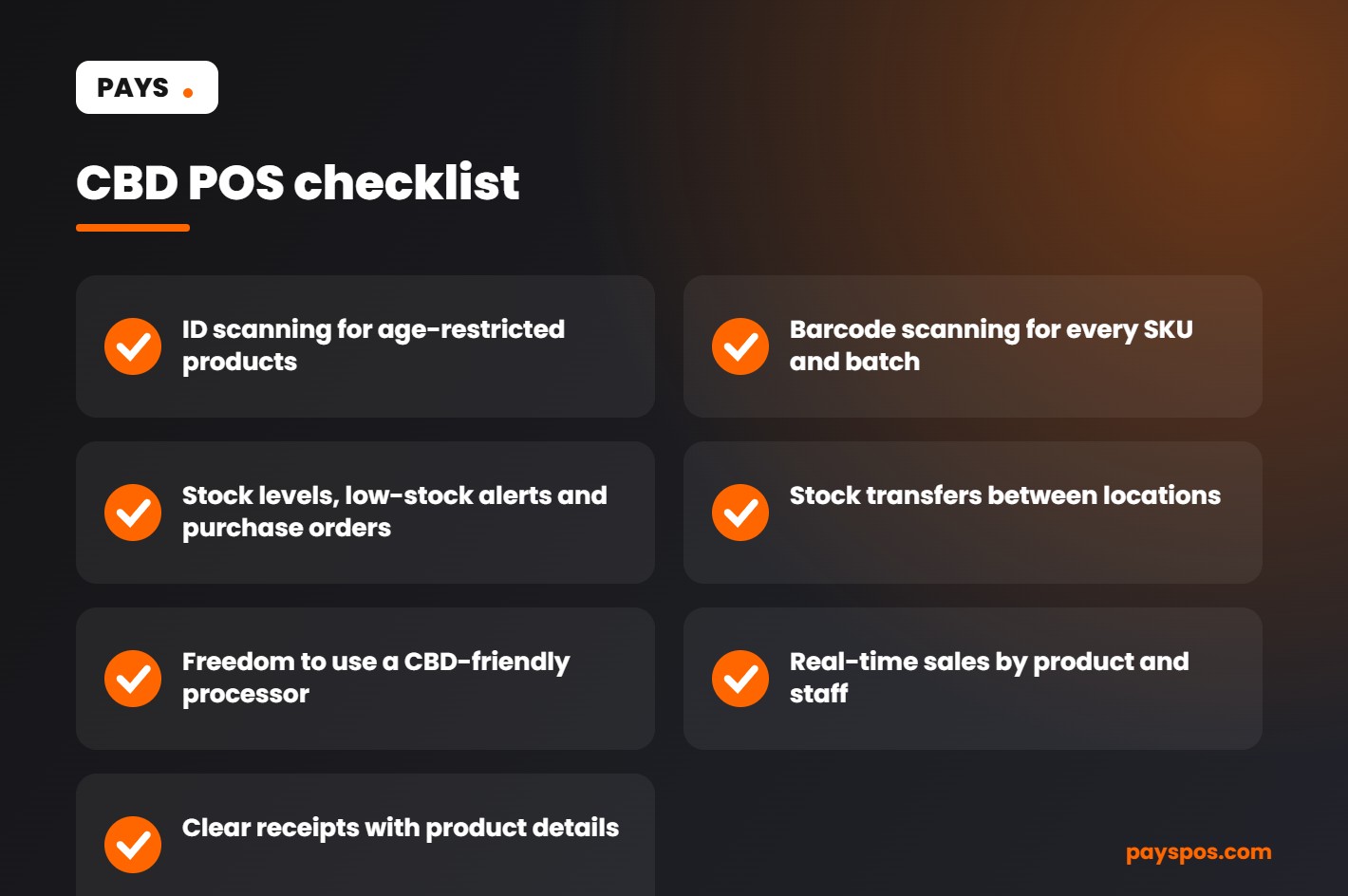
- Can I use a CBD-friendly processor of my choice?
- Does it scan IDs to verify age at checkout?
- Does it scan barcodes and track stock levels with alerts?
- Can I transfer stock between locations?
- Is there a long-term contract?
- Who builds my product list and trains my staff?
PAYS answers yes to the first four, has no long-term contract, and our team builds your product list and trains your staff, with most stores live in under a week. Learn more on our CBD store POS page.
Setting up your CBD store on a new POS
- Export your product list. Include names, strengths, sizes, prices, barcodes and current stock.
- Group products clearly. Tinctures, gummies, topicals, flower and accessories, so staff and reports stay organized.
- Flag age-restricted items. Decide which products need an ID check at checkout under your state’s rules.
- Set reorder points. Choose a low-stock level for each fast mover so alerts arrive in time.
- Line up processing. Confirm your CBD-friendly processor and test card, tap and phone payments.
- Train staff. Walk through scanning, ID checks, returns and end-of-day reports.
Reducing shrink in a CBD shop
CBD products are small, valuable and easy to pocket, which makes shrink a real cost. A few habits help:
- Scan every item at checkout instead of keying in prices.
- Run regular counts on high-value products and compare against sales.
- Review voids, discounts and returns by staff member in your reports.
- Keep premium products behind the counter or in locked displays.
- Use stock transfers instead of informal moves between locations, so every unit is accounted for.
Building a loyal customer base
CBD customers often buy the same products repeatedly. Make it easy for them to come back: keep favorites in stock with low-stock alerts, offer online ordering for pickup where allowed, and train staff to recommend alternatives when something sells out. Clear receipts with product names and strengths also help customers reorder exactly what worked for them.
Staying ready for changing rules
CBD regulations continue to evolve at the state and federal level. A CBD POS system will not interpret the law for you, but accurate, detailed sales and inventory records make it far easier to adapt when rules change, and to show what you sold and when if anyone asks. Review your setup with your advisor whenever new rules are announced in your state.
To stay current on federal rules, review the FDA questions and answers on cannabis-derived products, including CBD.
Organizing CBD products inside the POS
CBD stores often carry hundreds of items in many forms, strengths and sizes. A clear product structure in your CBD POS system makes checkout faster, inventory more accurate and reports more useful.
| Category | Useful variants to track |
|---|---|
| Oils and tinctures | Strength, bottle size, flavor |
| Edibles | Strength per piece, pack size, flavor |
| Topicals | Product type, size, scent |
| Capsules and softgels | Strength, count per bottle |
| Vape products | Type, strength, flavor; often age-restricted |
| Pet products | Animal size, strength, form |
| Accessories | Brand, type, color |
Use barcode scanning for every product that has a barcode, and print labels for any that do not. Scanning removes guesswork at checkout and keeps stock levels accurate.
Keeping CBD POS system product records in order
CBD retailers face more questions about their products than most stores. Keeping clean records in and around your CBD POS system helps you answer them with confidence.
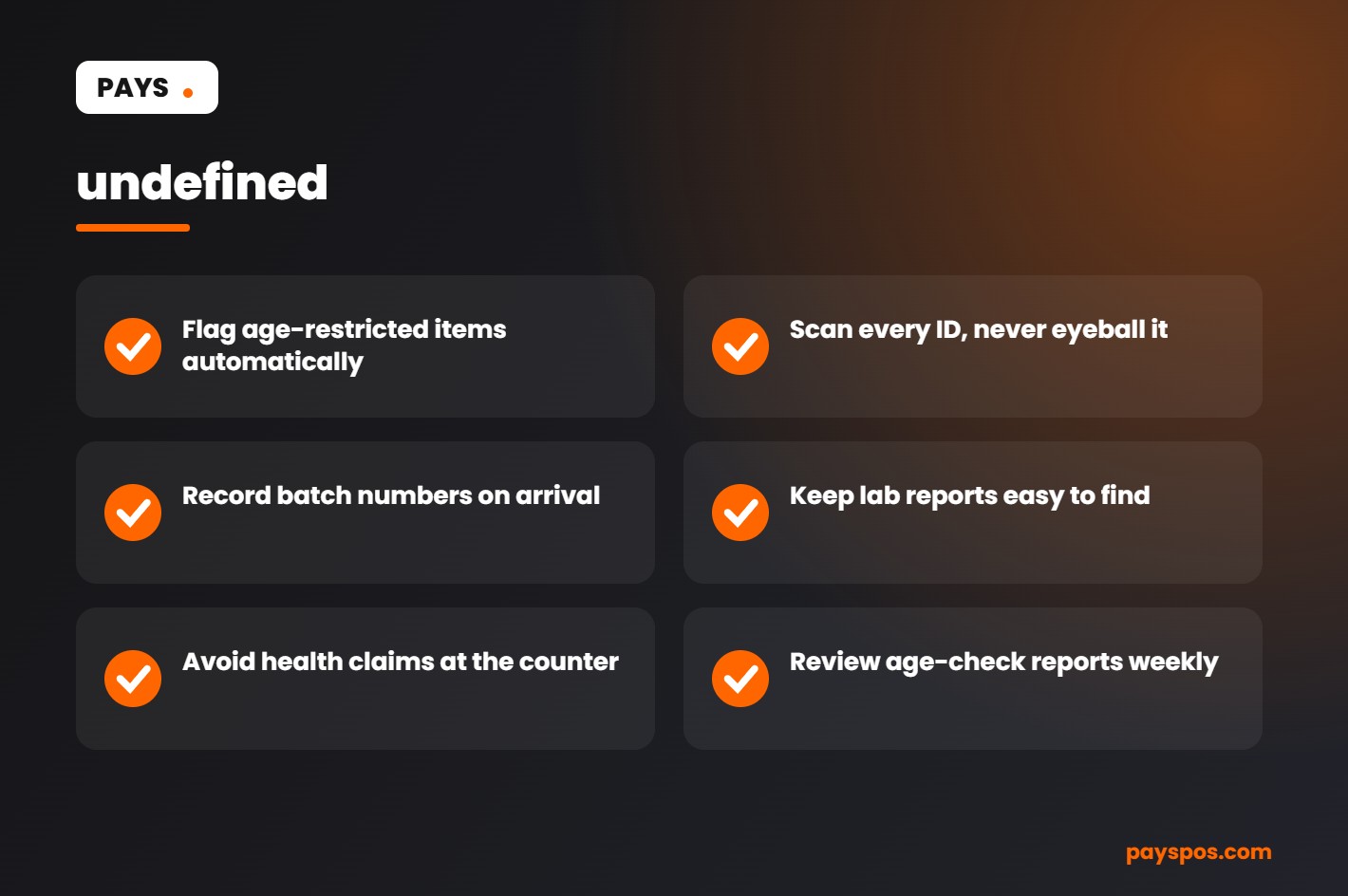
- Lab reports: Keep the certificate of analysis for each batch you sell, and make it easy for staff to find.
- Batch or lot numbers: Record them when stock arrives so you can trace any product back to its supplier.
- Supplier details: Keep contacts and purchase orders together in one place.
- Labels: Check that product labels match what you received and what you list in the POS.
- Claims: Train staff to avoid health or medical claims about products. Federal regulators have been clear about the limits on how CBD products can be marketed.
Rules for CBD vary by state and change over time. Check current federal guidance and your state’s rules regularly, and speak with a qualified advisor if you are unsure.
Training staff on age checks
Age verification in a CBD POS system only works when staff use it every time. A simple routine removes doubt.
- Prompt for ID on every age-restricted item. Let the CBD POS system flag those items automatically.
- Scan the ID instead of reading the date by eye.
- Decline the sale politely if the ID is missing, expired or under age.
- Never let a manager override a failed check without a clear reason recorded in the system.
- Review age-check reports each week to confirm the process is followed.
ID scanning protects the business, protects staff from honest mistakes and creates a clear record if questions ever come up.
CBD POS system numbers to watch
| Metric | Why it matters |
|---|---|
| Sales by category | Shows which product types drive the store |
| Sell-through by product | Spots slow sellers before they expire |
| Low-stock items | Prevents running out of best sellers |
| Shrink | Flags theft, damage and counting errors |
| Repeat customer rate | Measures loyalty and word of mouth |
| Card vs cash mix | Shows the impact of dual pricing |
CBD POS system scenarios
The expired stock surprise
A CBD shop finds a full shelf of edibles past their best-by date during a quarterly count. Sell-through reports and low-stock alerts would have shown the slow movement months earlier, giving time for a promotion or a smaller reorder.
The missed age check
A new hire sells a vape product without checking ID during a busy Saturday. With a CBD POS system that flags age-restricted items and requires an ID scan before checkout, that sale could not have been completed without a check.
The processor that dropped the store
A store has its merchant account closed with little notice. Because its POS is processor-agnostic, it moves to a new processor without replacing its system, its product list or its reports, and keeps trading.
The two-location owner
An owner opens a second store across town. One store runs low on a popular tincture while the other has plenty. A stock transfer in the POS balances inventory in minutes instead of waiting on a new delivery.
Questions to ask before choosing a CBD POS system
- Does the system support age verification and ID scanning at checkout?
- Can I track variants such as strength, size and flavor?
- Does it include barcode scanning, low-stock alerts, purchase orders and stock transfers?
- Is the POS processor-agnostic, so I can work with a processor that accepts CBD merchants?
- Can I offer dual pricing?
- Is there real-time reporting by category and by store?
- Is there a long-term contract?
- Who sets up the product list and trains my staff?
Write down each provider’s answers and compare them side by side. A CBD POS system should make compliance and inventory easier, not add more work.
CBD POS system glossary
- Certificate of analysis: A lab report showing what is in a product batch.
- Batch or lot number: A code that links a product to the batch it came from.
- Variant: A version of a product, such as a different strength or size.
- Sell-through: The share of stock sold over a period.
- Shrink: Inventory lost to theft, damage or errors.
- Processor-agnostic: A POS that works with more than one payment processor.
- Dual pricing: Showing a cash price and a card price.
Key takeaways
- A CBD POS system needs strong age verification, inventory and reporting tools.
- Choose a processor-agnostic POS so payment changes do not force a system change.
- Organize products by category and variant, and scan every barcode.
- Keep lab reports, batch numbers and supplier records easy to find.
- Train staff to check every ID and avoid health claims.
CBD POS system checkout flow and store layout
How a CBD store is laid out affects both sales and shrink. The checkout area is where the CBD POS system and the floor plan work together.
- Keep high-value items behind the counter or in locked cases. Display empty boxes or samples on the floor instead.
- Place the terminal where staff can see the door. A clear view of the room reduces theft.
- Keep the ID scanner within easy reach. If checking an ID is awkward, staff will be tempted to skip it.
- Use a customer-facing display. Guests can see prices, including the cash and card price under dual pricing, before they pay.
- Make returns simple and recorded. Every return should go through the POS so inventory stays accurate.
Planning purchases with sales data
Buying is where CBD retailers make or lose most of their margin, and a CBD POS system is where the buying data lives. Ordering too much ties up cash in products that may not sell before their date. Ordering too little means empty shelves and lost customers.
- Review sales by product and category for the last 30, 60 and 90 days.
- Identify the top sellers that should never run out, and set low-stock alerts for them.
- Flag slow sellers and plan promotions or smaller reorders.
- Create purchase orders in the POS so deliveries can be checked against them.
- Record batch numbers and dates as stock arrives.
Real-time reporting turns these steps into a routine you can finish in under an hour each week.
Building trust with customers
Many CBD customers are cautious and research before they buy. Clear pricing, knowledgeable staff and easy access to lab reports build the trust that brings them back. Purchase history in your CBD POS system, looked up by receipt or date, helps staff find what a returning customer bought last time. Loyal customers who feel looked after are the foundation of a steady CBD business.
Your first 30 days on a new CBD POS system
- Week 1: Load products with categories, variants, barcodes and prices. Flag every age-restricted item.
- Week 2: Train staff on checkout, ID scanning, returns and cash handling. Run practice sales before opening.
- Week 3: Do a full inventory count and set low-stock alerts on your top sellers.
- Week 4: Review your first reports. Check sales by category, shrink, age-check records and the card and cash mix.
With PAYS, the product setup is done for you, staff are trained, and most stores are live in under a week, which leaves more of the first month for selling. Because PAYS is processor-agnostic with no long-term contract, the store keeps its options open as payment rules for CBD merchants change.
The goal is simple: a CBD POS system that makes every sale compliant, every count accurate and every report useful. Get those three right and the rest of the business becomes much easier to run.
CBD POS system records for chargebacks and disputes
CBD merchants are often watched closely by processors, so a high chargeback rate can put an account at risk. Keep clear receipts, get a signature or PIN where possible, describe products accurately and respond to every dispute quickly with the records from your POS. A well-run store with low disputes is a much safer account for any processor.
Selling online and in store
Many CBD shops now take orders online for in-store pickup. When online ordering runs through the same CBD POS system as the counter, stock levels stay accurate across both channels, and customers never order something that is already sold out. Age checks still happen at pickup, with the ID scanned before the order is handed over. One system, one inventory and one set of reports keeps both channels simple to manage.
In short, the best CBD POS system is the one that keeps you compliant, keeps your shelves full and keeps your payment options open. Start with those three needs and every other feature becomes easier to judge.
Frequently Asked Questions
Why is it hard for CBD stores to get payment processing?
Many processors classify CBD as high risk because of regulatory uncertainty, so approvals are stricter and some providers decline. A processor-agnostic POS lets you work with a CBD-friendly provider.
Does a CBD store need age verification?
It depends on your state and the products you sell. Many stores verify age for certain products. Check your local rules.
Can a CBD POS system track inventory by product and strength?
Yes. With barcode scanning, each product and strength can be its own SKU with stock levels and low-stock alerts.
Can I keep my POS if my processor drops my account?
With PAYS, yes. It is processor-agnostic, so you can switch processors without replacing your system.