Choosing a POS system for clothing store owners is mostly about inventory. One shirt can come in five sizes and four colors, which is twenty items to track, count and reorder. Get that wrong and you end up with racks of smalls nobody buys while the mediums sell out in a weekend. Here is what to look for so your system does the counting for you.
What makes apparel retail different
- Variants everywhere: size, color and sometimes fit or length for each style.
- Seasonal buying: stock arrives in waves and has to sell through before the next season.
- Returns and exchanges: much more common than in most retail.
- Multiple locations or online sales: stock needs to move to where it sells.
Must-have features
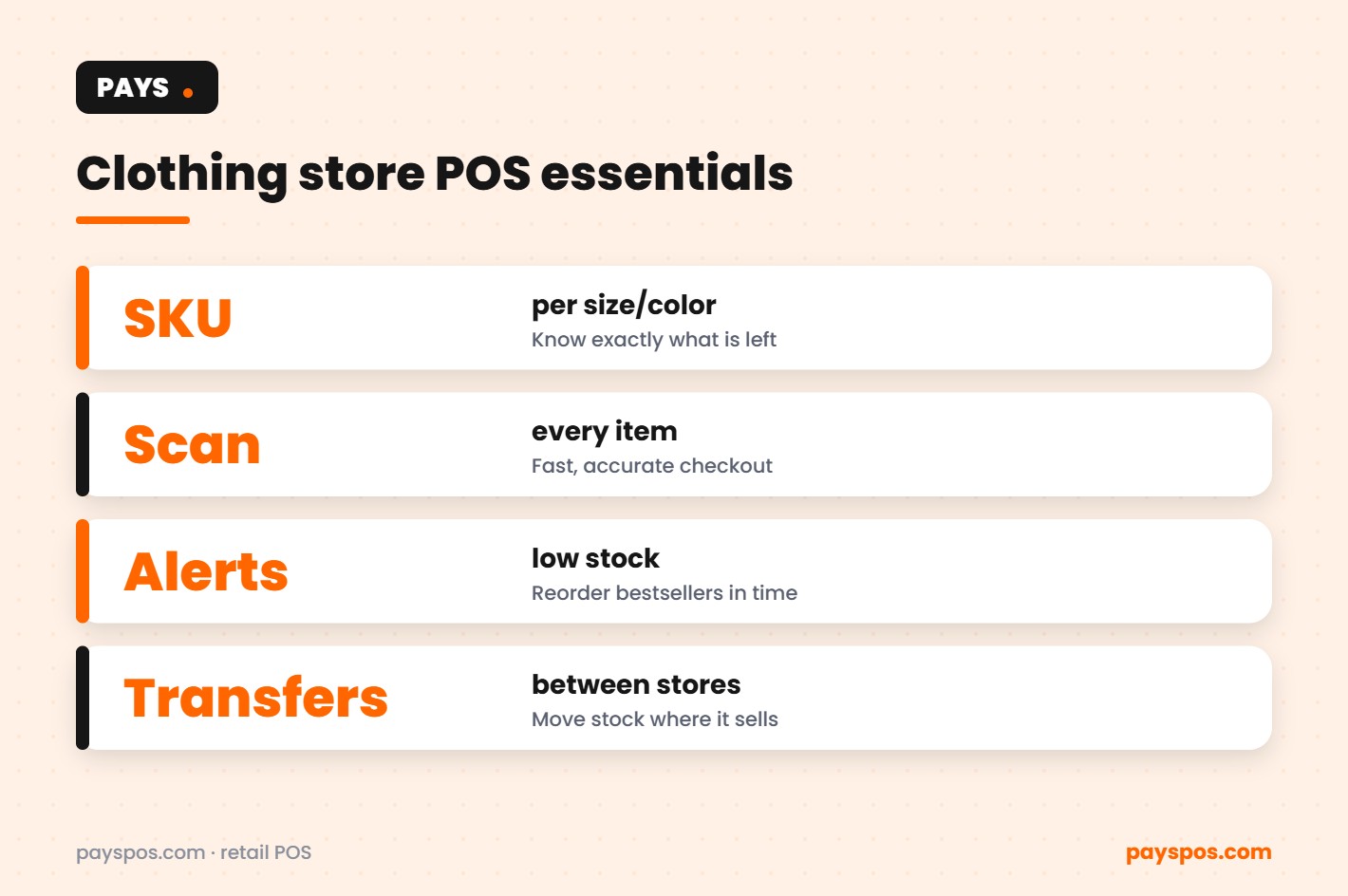
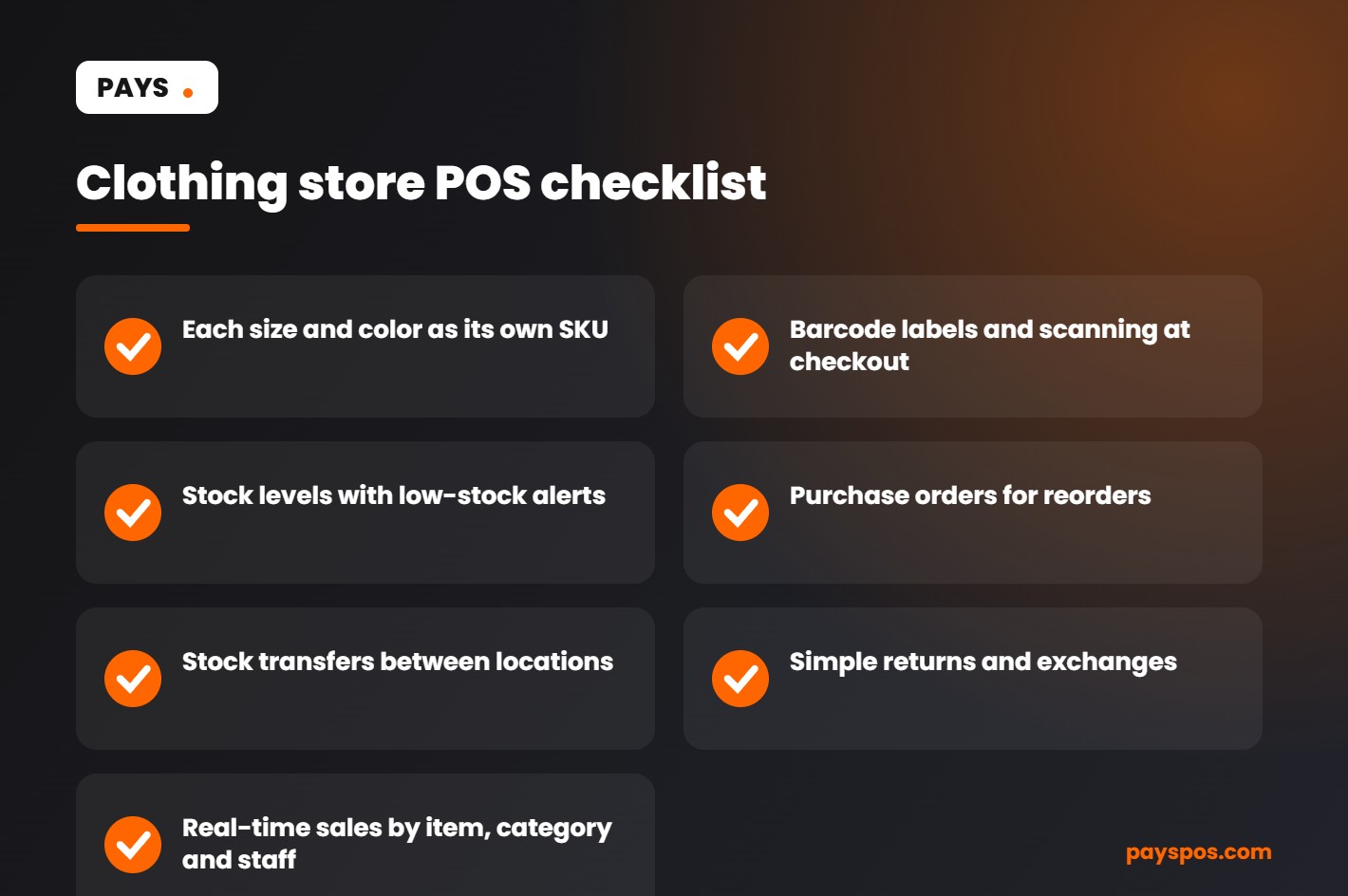
SKU-level inventory
Each size and color should be its own SKU with its own stock count. That is the only way to know you have three mediums and zero larges left in navy. PAYS tracks stock levels by item.
Barcode scanning
Tagging every item with a barcode makes checkout fast and keeps the right variant ringing up, instead of a cashier picking from a long list. PAYS supports barcode scanning.
Low-stock alerts and purchase orders
Set a reorder point for bestsellers and get an alert before they run out. Purchase orders keep a clean record of what you ordered and what arrived.
Stock transfers
If you run more than one shop, move inventory to the location where it sells. Recording transfers in the POS keeps counts accurate at both stores.
Returns and exchanges
A quick lookup by receipt or item, with stock automatically added back, keeps the counter moving and counts honest.
Real-time reporting
See sell-through by style, size and color, plus sales by staff member and hour, so you buy smarter next season.
| Problem | POS feature that fixes it |
|---|---|
| Sold out of the most popular size | Low-stock alerts on each SKU |
| Wrong item rung up | Barcode scanning |
| Overbuying slow sizes | Sell-through reports by variant |
| Stock stuck at the wrong store | Stock transfers |
| Counts drifting after returns | Returns that restock automatically |
Using sales data to buy better
The biggest payoff of a good POS system for clothing store owners comes at buying time. Before you place next season’s order, look at:
- Size curve: what share of each style sold in each size.
- Color performance: which colors sold at full price and which needed markdowns.
- Weeks of supply: how long current stock will last at the current sales rate.
- Category trends: tops vs bottoms vs accessories over time.
Buying to your real size curve instead of an even spread is one of the simplest ways to cut markdowns.
Fees and checkout
Card fees take a slice of every sale. With dual pricing, the register shows a cash price and a card price so card payments cover their own cost. PAYS offers this as Cash Discount Pro; check your state’s rules first. PAYS is also processor-agnostic, so you can keep a rate you already have.
See how PAYS works for apparel on our clothing store POS page, and read how a retail POS helps clothing stores manage inventory.
Setting up a POS system for clothing store inventory
- Build your product list by style. Each style gets a name, category, price and supplier.
- Add variants as SKUs. Every size and color combination gets its own SKU and barcode.
- Print and attach labels. Tag items as they arrive, before they reach the floor.
- Enter opening stock. Count everything once, carefully. Every report after depends on it.
- Set reorder points. Start with bestsellers and core basics that should never run out.
- Train staff. Scanning, returns, exchanges and end-of-day reports.
Counting without closing the store
Full counts are painful, so many apparel retailers use cycle counts instead: count one category or one wall each week, compare it with what the POS expects, and fix differences right away. Over a season, every item is counted without a single all-night stocktake. Differences that keep appearing in one category usually point to a process issue, such as untagged returns or items moved between stores without a transfer.
Markdowns, done with data
Markdowns are part of apparel retail, but they work best when they are planned. Use sell-through reports to see which styles and sizes are moving slowly halfway through the season, and mark down those specific variants first instead of the whole style. Moving slow sizes to a store where they sell, using a stock transfer, can sometimes avoid a markdown entirely.
Omnichannel basics
If you also sell online, keep one inventory across the store and your site so the same item is not sold twice. Online ordering with in-store pickup is a simple first step: customers reserve online and collect in store, and the sale is recorded against the same stock. As you grow, the same principle applies across locations: one product list, one set of counts, and a POS system for clothing store teams that everyone trusts.
For broader guidance on planning sales and accepting payments, see the U.S. Small Business Administration guide to marketing, sales and accepting payments.
How a POS system for clothing store stock handles sizes and colors
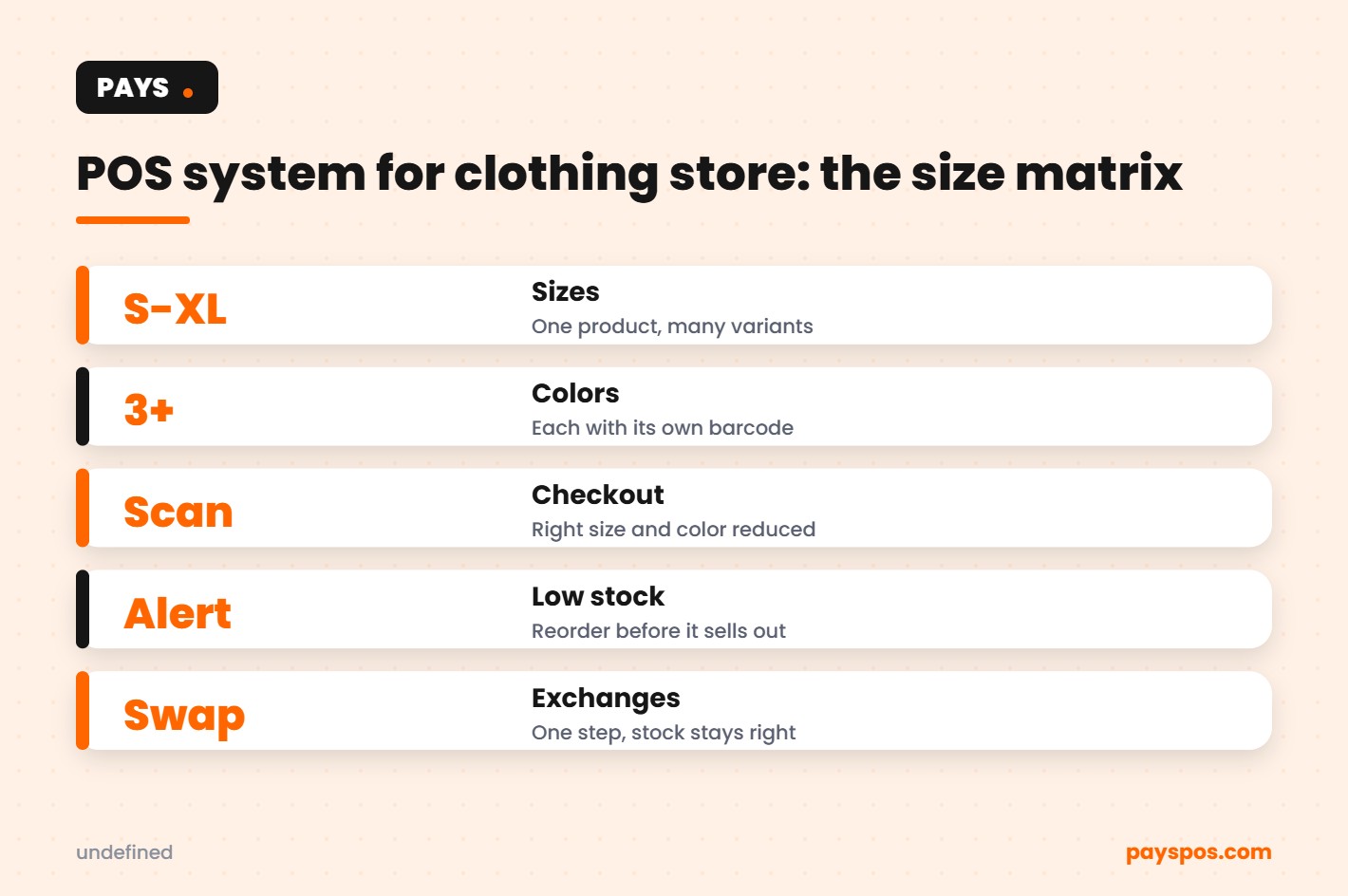
A single style of shirt can easily become thirty separate items once you count every size and color. A POS system for clothing store owners should handle that as one product with variants, not thirty unrelated entries.
| Style: Classic Tee | S | M | L | XL |
|---|---|---|---|---|
| Black | 4 | 9 | 7 | 2 |
| White | 3 | 6 | 8 | 1 |
| Navy | 0 | 5 | 4 | 3 |
In this example, the store is out of small navy tees and almost out of extra-large black and white. Seeing stock this way makes reordering obvious. Each cell has its own barcode, so a scan at checkout reduces the right size and color automatically.
Receiving new stock in a POS system for clothing store teams
With any POS system for clothing store inventory, most errors start the day a delivery arrives. A simple receiving routine keeps counts accurate from the start.
- Check the delivery against the purchase order. Count every size and color before signing.
- Record shortages and damages. Note them on the purchase order so the supplier can credit you.
- Receive the stock in the POS. Stock levels update the moment you confirm the delivery.
- Print and attach barcode labels. Label any item that does not already have a scannable barcode.
- Move items to the floor or stockroom. Keep backstock organized by style and size so staff can find it quickly.
Returns and exchanges in a POS system for clothing store owners
Returns are part of selling clothes, and every POS system for clothing store use should handle them cleanly. Handled well, they build loyalty. Handled badly, they create inventory errors and room for fraud.
- Look up the original sale. Find the receipt in the POS by date, card or customer profile.
- Return the item to stock automatically. The POS should add the item back to the right size and color.
- Swap sizes in one step. An exchange should reduce one variant and restore another in a single transaction.
- Offer store credit. Credit keeps the sale in the store and often leads to a larger purchase.
- Limit refund permissions. Only managers should approve refunds above a set amount.
- Review return reports. High return rates on a single style can point to sizing or quality issues.
Customer profiles: what to ask of a POS system for clothing store use
Clothing shoppers come back when a store remembers them. When you compare options, ask whether a POS system for clothing store owners can save, with the customer’s permission, their sizes, favorite brands and past purchases. If it can, the benefits add up quickly.
- Staff can suggest new arrivals in the right size.
- Returns are faster because the purchase is already on file.
- You can see who your best customers are and invite them to early previews.
- Simple rewards, like a discount after a set amount spent, encourage repeat visits.
Using a POS system for clothing store seasons and drops
Fashion runs on seasons, launches and limited drops. A POS system for clothing store owners turns last year’s sales into this year’s buying plan.
- Compare season to season. Look at sales by category for the same weeks last year to plan buying quantities.
- Watch the size curve. If medium and large sell out first every season, adjust your size mix when you order.
- Plan markdown dates in advance. Decide when slow sellers will be reduced so they do not sit for months.
- Stage new arrivals. Release new styles in small waves to give regulars a reason to visit often.
- Track sell-through weekly. Strong sell-through in the first two weeks is a sign to reorder quickly.
POS system for clothing store scenarios
The boutique that guessed wrong on sizes
A boutique orders the same number of every size in a new dress. Smalls and mediums sell out in ten days. Extra-large sits until the end-of-season sale. A size report from the previous season would have shown the store’s real size curve and saved both lost sales and markdowns.
The shop with two locations
A clothing brand with two stores finds that one location sells far more outerwear than the other. Stock transfers in the POS move jackets to where customers are buying them, instead of discounting them at the slower store.
The exchange that went wrong
A customer exchanges a medium for a large, but staff process it as a return and a new sale without updating stock correctly. The count is off for weeks. A POS system for clothing store teams that handles exchanges in one step prevents this kind of error.
Questions to ask before choosing a POS system for clothing store use
- Can one product have variants for size and color, each with its own barcode?
- Can I see stock as a size and color grid?
- Does it support purchase orders, low-stock alerts and stock transfers?
- Can returns and exchanges update inventory automatically?
- Can I offer dual pricing?
- Can I keep my own payment processor?
- Who sets up my products and trains staff?
- Is there a long-term contract?
POS system for clothing store glossary
- Variant: A version of a product, such as a specific size and color.
- SKU: Stock keeping unit, a code for each individual variant.
- Size curve: The share of sales each size usually makes up.
- Sell-through: The share of stock sold during a period.
- Markdown: A price reduction to clear slow-moving stock.
- Backstock: Inventory kept in the stockroom rather than on the floor.
- Shrink: Inventory lost to theft, damage or errors.
Key takeaways
- A POS system for clothing store owners must track every size and color as its own variant.
- Barcode every item and receive deliveries against purchase orders.
- Handle returns and exchanges in the POS so stock stays accurate.
- Use size curves and sell-through to plan buying and markdowns.
- Choose a provider with fast setup, staff training and no long-term contract.
Reducing shrink on the sales floor
Clothing stores lose stock to theft, damage, mislabeling and simple counting mistakes. A POS system for clothing store teams helps you find where the losses happen so you can act on them.
- Count high-risk items more often. Small, valuable pieces such as accessories deserve weekly cycle counts.
- Keep fitting rooms controlled. Count items in and out, especially during busy weekends.
- Track voids, discounts and returns by staff member. Patterns are easier to spot in a report than on the floor.
- Record damaged items. Mark them out of stock in the POS so counts stay honest.
- Compare counted stock with system stock. Large gaps point to a process that needs fixing.
Checkout with a POS system for clothing store customers
Customers judge the whole visit by the last two minutes. A slow or confusing checkout can undo a great time on the floor.
- Scan barcodes rather than searching items by name.
- Use a handheld to check out customers during busy periods, so the line never builds up.
- Show clear pricing, including cash and card prices if you use dual pricing.
- Offer email or printed receipts, whichever the customer prefers.
- Bag carefully and fold garments. It is part of the brand.
Your first 30 days on a new POS system for clothing store operations
- Week 1: Load styles with size and color variants, prices, barcodes and categories.
- Week 2: Do a full count so system stock matches the shelves on day one.
- Week 3: Train staff on sales, returns, exchanges, discounts and receiving deliveries.
- Week 4: Review sales by category, size and color. Set low-stock alerts on your core styles.
With PAYS, products are set up for you, staff are trained, and most stores are live in under a week, so you can spend more of that first month selling.
POS system for clothing store reports to review weekly
| Metric | Why it matters |
|---|---|
| Sales by category | Shows which departments drive the store |
| Sell-through by style | Tells you what to reorder and what to mark down |
| Sales by size | Builds your real size curve for future buying |
| Average transaction value | Tracks styling, bundling and add-on sales |
| Return rate by style | Flags fit or quality problems early |
| Stock on hand vs sales | Shows where cash is tied up in slow inventory |
Real-time reporting means these numbers are ready whenever you need them, without spreadsheets or end-of-month exports. Set aside thirty minutes each Monday to review them and decide one action for the week ahead, such as reordering a best seller, moving a slow style to the front of the store or planning a markdown.
Small weekly decisions, made with clear data, add up to a store that carries more of what sells and less of what does not. That is the real value of a well-chosen POS system for clothing store owners: it turns every sale into information you can use to buy smarter next time.
Visual merchandising with your POS system for clothing store data
Where an item sits in the store changes how fast it sells. Use your sales reports to guide the floor plan, not just instinct.
- Put your best sellers where customers can see them from the door.
- Move slow styles to a new display before marking them down. A fresh spot sometimes is all they need.
- Group items that sell together, such as tops and matching bottoms, to raise the average sale.
- Test a change for two weeks, then compare sales for those styles before and after.
When the POS and the floor plan work together, every display earns its space.
The right POS system for clothing store owners does more than ring up sales. It shows what to buy, where to place it and when to mark it down, so every season starts with better decisions than the last.
Frequently Asked Questions
How should a clothing store track sizes and colors?
Make each size and color its own SKU with its own barcode and stock count, so you always know exactly what is left.
Do I need barcode scanning in a small boutique?
It is not required, but it speeds up checkout, prevents wrong items ringing up and keeps counts accurate as you grow.
Can a POS move stock between my stores?
Yes. PAYS records stock transfers so both locations stay accurate.
How long does it take to set up?
PAYS builds your product list, trains your staff and gets most stores live in under a week.