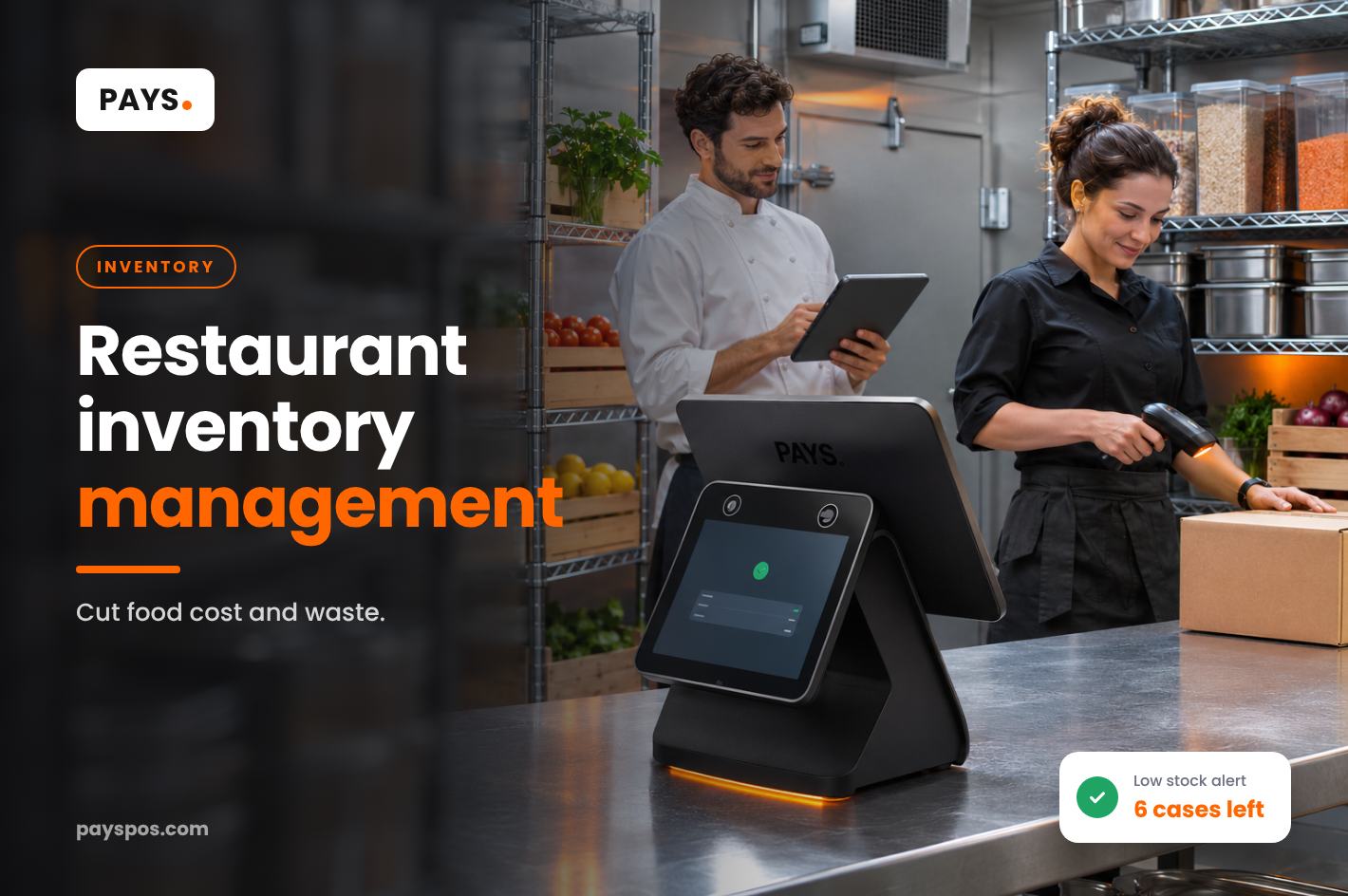
Every restaurant owner has opened the walk-in on a Friday afternoon and found something missing. The salmon you were sure would last the weekend. The case of avocados that should have arrived Tuesday. Or the opposite: three boxes of something nobody ordered, slowly going bad on the bottom shelf.
Restaurant inventory management is one of the least glamorous parts of running a kitchen, and one of the most important. Food is usually one of your biggest costs, and every item that’s over-ordered, wasted, stolen or miscounted comes straight out of profit.
This guide explains how to set up restaurant inventory management that actually works: what to count, how often, how to set par levels, how to track waste and how your POS can turn a weekly chore into a few minutes of work.
Why Restaurant Inventory Management Matters
Restaurant margins are thin. Many full-service restaurants operate on single-digit profit margins, so small leaks matter. Good restaurant inventory management helps you:
- Control food cost. Know exactly what you used versus what you sold.
- Reduce waste. Order what you need, use older stock first and spot spoilage patterns.
- Avoid running out. 86-ing a bestseller on a Saturday night disappoints guests and loses sales.
- Catch theft and errors. Gaps between expected and actual stock show up quickly.
- Free up cash. Money sitting on shelves as excess stock is money you can’t use elsewhere.
1. Know Your Food Cost Percentage
Food cost percentage is the foundation of restaurant inventory management. The basic formula:
Food cost % = (Beginning inventory + Purchases − Ending inventory) ÷ Food sales × 100
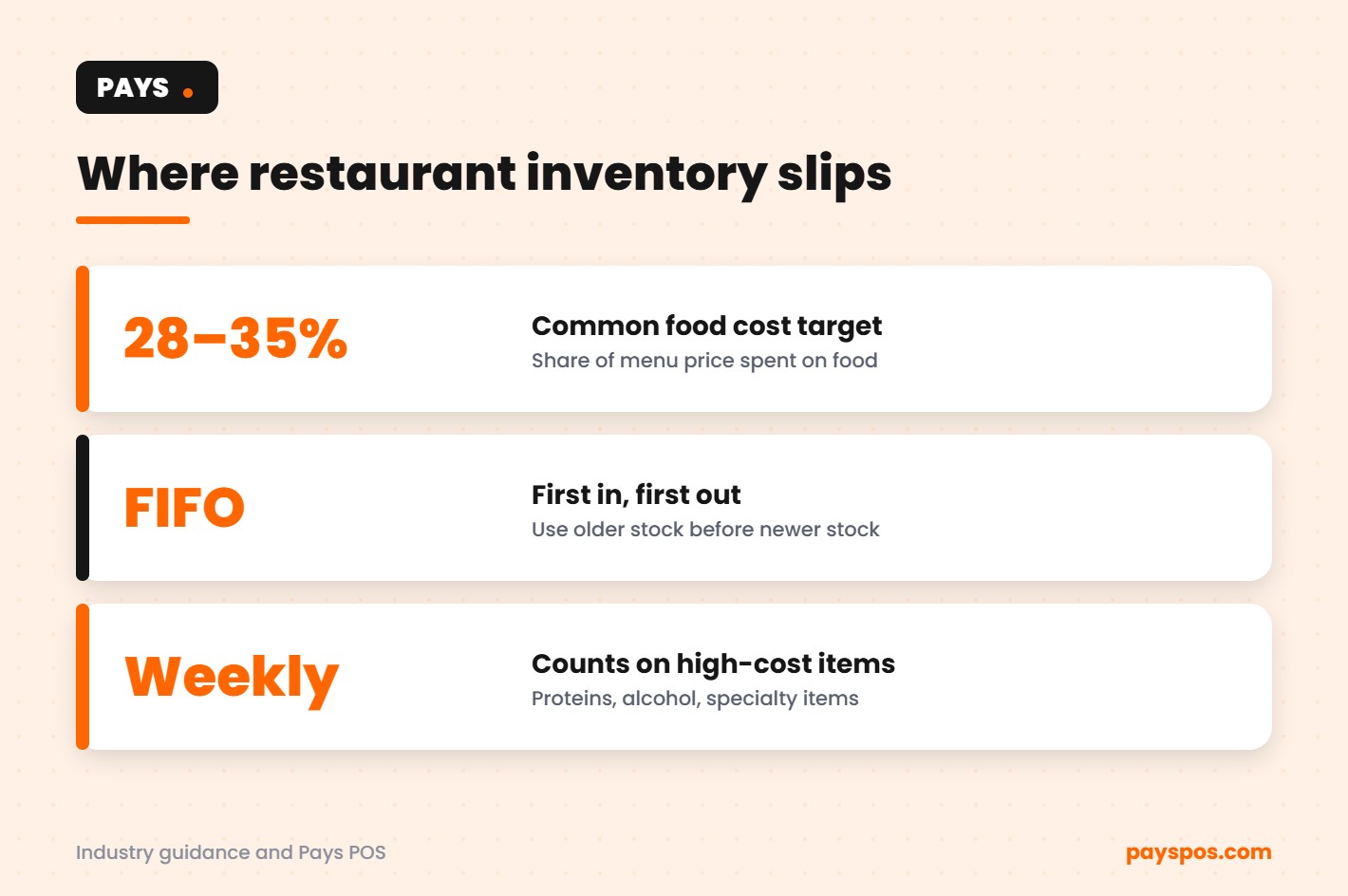
Many restaurants aim for food cost somewhere around 28% to 35%, depending on the concept. A steakhouse will often run higher than a pizza shop. What matters most is knowing your own number and watching it every week.
If your food cost creeps up, inventory is the first place to look: over-portioning, waste, price increases from suppliers or missing stock.
2. Organize Your Storage Before You Count
Counting a messy walk-in takes forever and produces bad numbers, which undermines restaurant inventory management before it starts. Before you start any restaurant inventory management system, organize your storage:
- Group similar items together: proteins, dairy, produce, dry goods, beverages.
- Label shelves so every item has a home.
- Arrange shelves in the same order as your count sheet.
- Keep older stock in front and newer stock behind.
An organized storeroom makes counting faster, reduces mistakes and helps staff find things during service.
3. Use FIFO Every Day
First in, first out (FIFO) means using older stock before newer stock. It’s one of the simplest and most effective habits in restaurant inventory management.
When deliveries arrive, move existing stock forward and place new items behind it. Date-label everything that’s opened or prepped. The FDA Food Code provides guidance on date marking and safe storage that many local health departments follow.
4. Count the Right Items at the Right Frequency
You don’t need to count every grain of salt every day. Focus your effort where the money is.
- Daily: A quick check of high-cost, high-risk items like proteins and seafood.
- Weekly: A full count of your top items by cost, plus alcohol.
- Monthly: A complete count of everything for accounting.
Count at the same time each period, ideally before deliveries arrive or after close, so the numbers are comparable.
5. Set Par Levels for Key Items
A par level is the amount of an item you want on hand to get through until the next delivery, plus a small buffer. Par levels turn ordering from guesswork into a simple calculation: order the difference between par and what’s on the shelf.
Base your pars on real usage. Your POS sales data shows how many of each dish you sell on a typical Tuesday versus a busy Saturday. Adjust pars by day of the week and season.
6. Track Waste With a Reason
Waste is inevitable in a kitchen. Untracked waste is what hurts. Keep a simple waste log, or better, record waste in your POS, with the item, amount and reason:
- Spoiled or expired
- Prep mistake or overproduction
- Dropped or burned
- Returned by guest
- Staff meal or comp
After a few weeks, patterns appear. Maybe Monday prep is always too large. Maybe one dish gets sent back often. Each pattern is a fixable problem.
7. Compare Theoretical vs Actual Usage
This is where restaurant inventory management gets powerful. Theoretical usage is what you should have used based on what you sold. Actual usage is what really left the shelf.
If you sold 100 burgers and each uses 6 ounces of beef, you should have used about 37.5 pounds. If your count shows 45 pounds gone, something is off: portioning, waste, theft or a receiving error.
Recipe-level tracking in your POS makes this comparison much easier, because every sale can be tied back to the ingredients it uses.
8. Check Every Delivery
Receiving is a common weak spot in restaurant inventory management and a frequent source of loss. Check every delivery against the invoice before the driver leaves: counts, weights, quality and prices. Note shortages and damaged goods on the invoice and get a signature.
Enter deliveries into your system the same day, so your inventory numbers stay accurate.
9. Standardize Recipes and Portions
Inconsistent portions are one of the biggest hidden problems in restaurant inventory management. Write down every recipe with exact quantities, use portion scoops and scales, and train every cook the same way.
A few extra ounces of protein per plate doesn’t sound like much. Across hundreds of plates a week, it adds up to a meaningful amount every month.
10. Use Your POS as an Inventory Tool
Modern POS systems do far more than take payments. With Pays POS, restaurant inventory management becomes part of your daily workflow:
- Stock levels update as items sell
- Low stock alerts flag items before you run out
- Purchase orders based on real sales
- Stock transfers between locations
- Real-time reports on best sellers, slow movers and sales by hour
Learn more about the Pays restaurant POS. For retail-style inventory ideas, see our guide to liquor store inventory.
11. Review the Numbers Weekly
Pick one day a week to review your key numbers: food cost percentage, top waste items, variance between theoretical and actual usage, and items that ran out. Fifteen minutes a week is enough to spot problems while they’re still small.
Restaurant Inventory Management by Category
Different categories need different approaches. Treating everything the same wastes time on low-value items and leaves high-value items under-watched.
Proteins and Seafood
Usually your most expensive ingredients and the most perishable. Count them daily or at least every few days. Portion them in advance where possible, so each portion is a countable unit. Track waste carefully, because a single spoiled case of seafood can wipe out a day’s margin.
Produce
Produce has a short life and varies in quality. Order smaller amounts more often, inspect every delivery and store each item at the right temperature. Use trim and imperfect produce in sauces, soups and staff meals to reduce waste.
Dairy
Watch dates closely and rotate with FIFO. Dairy is easy to over-order because it feels cheap per unit, but expired cartons add up.
Dry Goods
Flour, rice, pasta, spices and canned goods last longer, so they need less frequent counting. They’re also easy to over-buy when there’s a sale. Keep par levels sensible, so cash isn’t tied up in a year’s supply of something.
Alcohol
Alcohol is high value and high risk for loss. Count it weekly at minimum, track pours and comps, and compare usage against bar sales. Many restaurants find their biggest inventory gaps behind the bar.
Packaging and Supplies
To-go containers, cups, napkins and bags are easy to forget until they run out. With more takeout and delivery orders, packaging has become a real cost line. Include it in your restaurant inventory management routine and set low stock alerts.
Spreadsheets vs Inventory Software
Many restaurants start restaurant inventory management with a clipboard and a spreadsheet. That’s fine for a small menu, but it has limits:
- Counts are only as current as the last time someone updated the sheet.
- Comparing usage against sales means pulling two sets of numbers together by hand.
- Mistakes in formulas or typing can go unnoticed for weeks.
- Multiple locations make spreadsheets much harder to manage.
Software connected to your POS solves most of these problems. Sales update stock automatically, alerts arrive before you run out, and reports are always current. The time saved each week often matters as much as the money saved.
A Simple Example
Imagine a neighborhood restaurant doing about $60,000 in food sales a month. The owner believes food cost is around 30%, but has never measured it closely.
After setting up proper restaurant inventory management, with weekly counts, a waste log and recipe tracking in the POS, the real number turns out to be 34%. That four-point gap is about $2,400 a month.
The causes turn out to be ordinary: oversized portions on two popular dishes, too much produce ordered on Mondays and a supplier price increase nobody noticed. Fixing them brings food cost back toward the target within a couple of months. None of it required a new menu or higher prices. Just better information.
Training Your Team on Inventory
Restaurant inventory management only works if everyone follows the same habits. Make it part of training from day one:
- Every cook follows standard recipes and portions.
- Every closer logs waste before leaving.
- Whoever receives deliveries checks them against the invoice.
- Every shift rotates stock using FIFO.
Share your food cost goal with the team. When cooks understand how a few extra ounces per plate affect the business, portions tend to tighten on their own.
Common Restaurant Inventory Management Mistakes
- Counting inconsistently. Different times, different people and different methods produce numbers you can’t compare.
- Ignoring waste. If it isn’t logged, it can’t be fixed.
- Ordering by feel. Without par levels, ordering swings between too much and too little.
- Skipping delivery checks. Short shipments and price changes slip through.
- Never comparing usage to sales. This is where the biggest leaks hide.
- Letting the system get out of date. Inventory software only helps when it’s kept current.
Restaurant Inventory Management for Seasonal Menus
Seasonal menus are great for guests and marketing, but they create inventory risk. New ingredients come in, old ones need to be used up, and nobody is quite sure how fast new dishes will sell.
- Plan the changeover. Reduce orders for outgoing ingredients two to three weeks before the menu switch.
- Start new items with conservative pars. Raise them once you see real sales.
- Use leftovers creatively. Specials, staff meals and soups can use up outgoing stock.
- Review after two weeks. Check sales and waste for every new dish and adjust.
Good restaurant inventory management makes menu changes smoother and cheaper, so you can keep the menu fresh without losing money on every switch.
How Restaurant Inventory Management Connects to Menu Pricing
Inventory data isn’t just for ordering. It’s one of the best inputs for menu pricing. When you know the true cost of each dish, including waste, you can see which items earn real money and which only look profitable.
Review recipe costs whenever supplier prices change. A 15% jump in the price of chicken or avocados can quietly turn a bestseller into a break-even item. Restaurant inventory management that’s tied to your POS sales makes these shifts visible quickly, so you can adjust the price, the portion or the recipe before months of margin slip away.
Managing Inventory Across Multiple Locations
For groups with more than one restaurant, inventory gets more complex. One location runs out of an ingredient while another has extra. Transfers between kitchens happen informally and never get recorded.
Use a system that supports stock transfers, so moving product between locations keeps both counts accurate. Compare food cost and waste across locations to find best practices worth sharing and problems worth fixing.
Getting Started This Week
The good news is that restaurant inventory management improves quickly once you start measuring. Most owners see clearer numbers within the first month.
If restaurant inventory management feels overwhelming, start small. This week, pick your ten most expensive ingredients. Count them on the same day and time each week for a month, compare usage against sales and log every bit of waste. Those ten items usually make up a large share of your food cost. Once the habit sticks, expand to the next ten, then to the full storeroom. Small, consistent steps beat a perfect system that never gets started.
Restaurant Inventory Management Weekly Routine
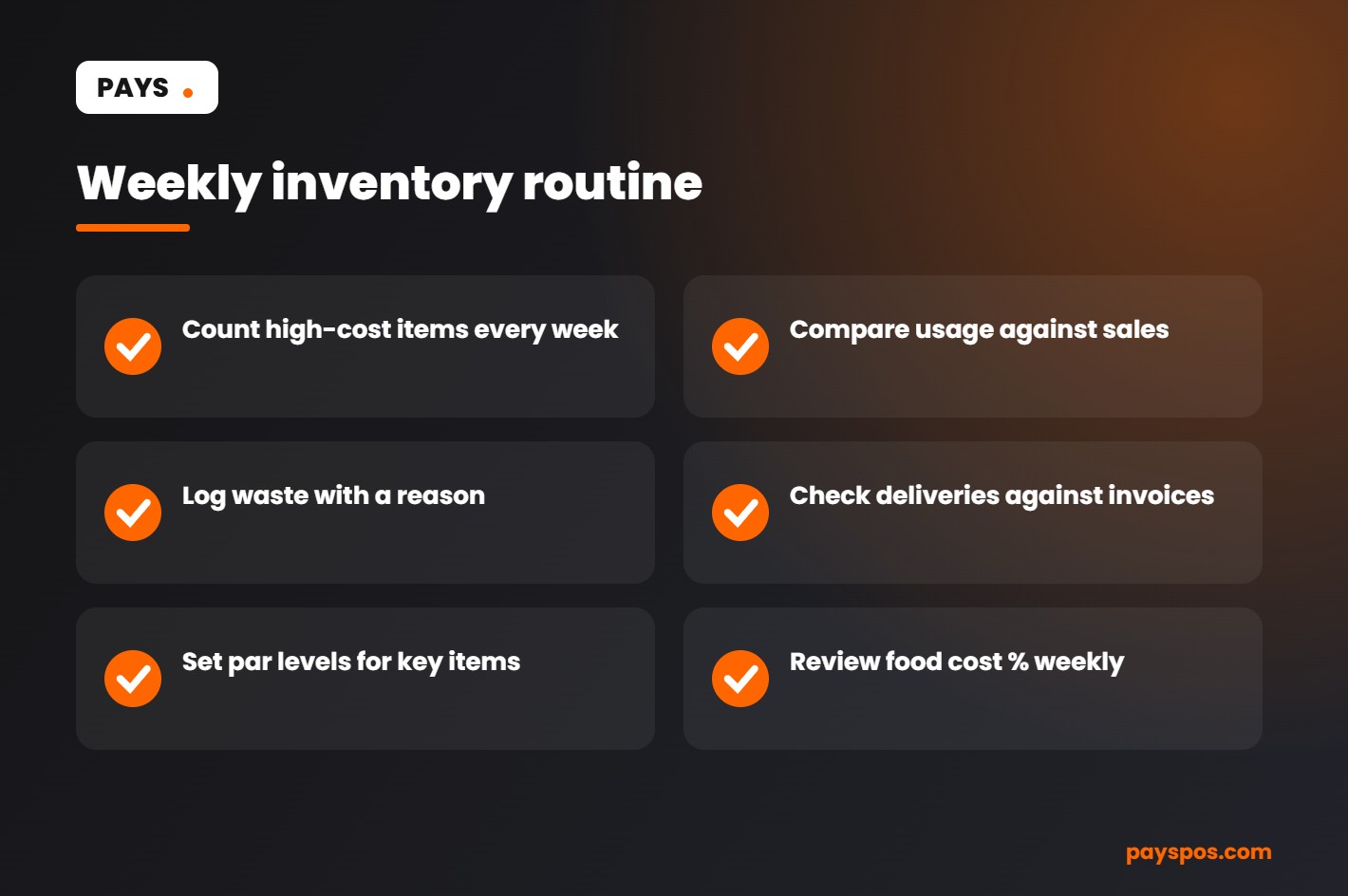
- Count high-cost items and alcohol
- Compare usage against sales
- Review the waste log and its reasons
- Check last week’s deliveries against invoices
- Adjust par levels for the coming week
- Calculate food cost percentage
Frequently Asked Questions
How often should a restaurant do inventory?
Many restaurants check high-cost items daily, count key items weekly and do a full count monthly.
What is a good food cost percentage for a restaurant?
Many restaurants target around 28% to 35%, but the right number depends on your concept and menu prices.
What is FIFO in a restaurant?
First in, first out: using older stock before newer stock to reduce spoilage and waste.
How can a POS help with restaurant inventory management?
A POS can update stock levels as items sell, send low stock alerts, create purchase orders and report on usage and waste.
What is a par level?
The amount of an item you want on hand to last until your next delivery, plus a small buffer. Ordering becomes the difference between par and what’s on the shelf.
What causes high food cost in restaurants?
Common causes include over-portioning, waste, theft, receiving errors and supplier price increases that aren’t reflected in menu prices.
Is restaurant inventory management worth it for a small restaurant?
Yes. Small restaurants often have the thinnest margins, so even a few points of food cost make a real difference. Start simple: weekly counts of your top items, a waste log and par levels for key ingredients.
How long does a weekly inventory count take?
With organized storage and a count sheet that matches your shelves, a focused weekly count of high-cost items often takes well under an hour. A POS that updates stock automatically shortens it further.
Who should do the inventory count?
Ideally the same one or two trusted people each time, using the same method. Consistency makes the numbers comparable week to week.
Should I count inventory by weight or by unit?
Use whatever unit you buy and use the item in. Proteins are often easiest by weight, packaged goods by unit and liquids by bottle or volume. Stay consistent from week to week.
Count Less, Know More
Good restaurant inventory management isn’t about counting more. It’s about counting the right things, at the right time, with tools that do most of the work.
See how Pays POS for restaurants helps control food cost, or talk to our team about getting set up in under a week.