
If you are wondering how to get more Google reviews, you are asking the right question. For a restaurant, café or local shop, the Google Business Profile is often the first thing a new customer sees, before your website and before your menu. The number of reviews, how recent they are and how you reply all shape whether someone picks you or the place down the street.
Learning how to get more Google reviews is mostly about habits, not tricks. The good news: most happy customers are willing to leave a review. They just need to be asked at the right moment, in the right way, with as little effort as possible. The catch, when you work out how to get more Google reviews, is that Google and the US Federal Trade Commission both have clear rules about how you ask. This guide covers nine proven ways to get more reviews, the rules that keep your profile safe, and how your POS can do much of the work for you.
Why Google reviews matter so much for local businesses
When someone searches “pizza near me” or “liquor store open now,” Google shows a map with a short list of businesses. Each listing shows a star rating and a review count right next to the name. Before a customer reads a single word about you, they have already compared your stars and your count against your neighbors.
Reviews do three jobs at once:
- Trust: a steady stream of recent reviews tells a stranger that real people visit and come back.
- Information: reviews mention dishes, prices, parking, wait times and staff, answering questions your profile might not.
- Feedback: they tell you what is working and what needs fixing, often more honestly than guests will say it to your face.
Recency matters as much as volume. A business with 400 reviews but nothing new in a year can look less active than one with 120 reviews and several every week. That is why the answer to how to get more Google reviews is a steady habit, not a one-time push.
The rules: what Google and the FTC allow
Before you decide how to get more Google reviews for your business, know where the lines are. Breaking them can get reviews removed, put a warning on your profile or, in the US, bring legal trouble.
Google’s review policy
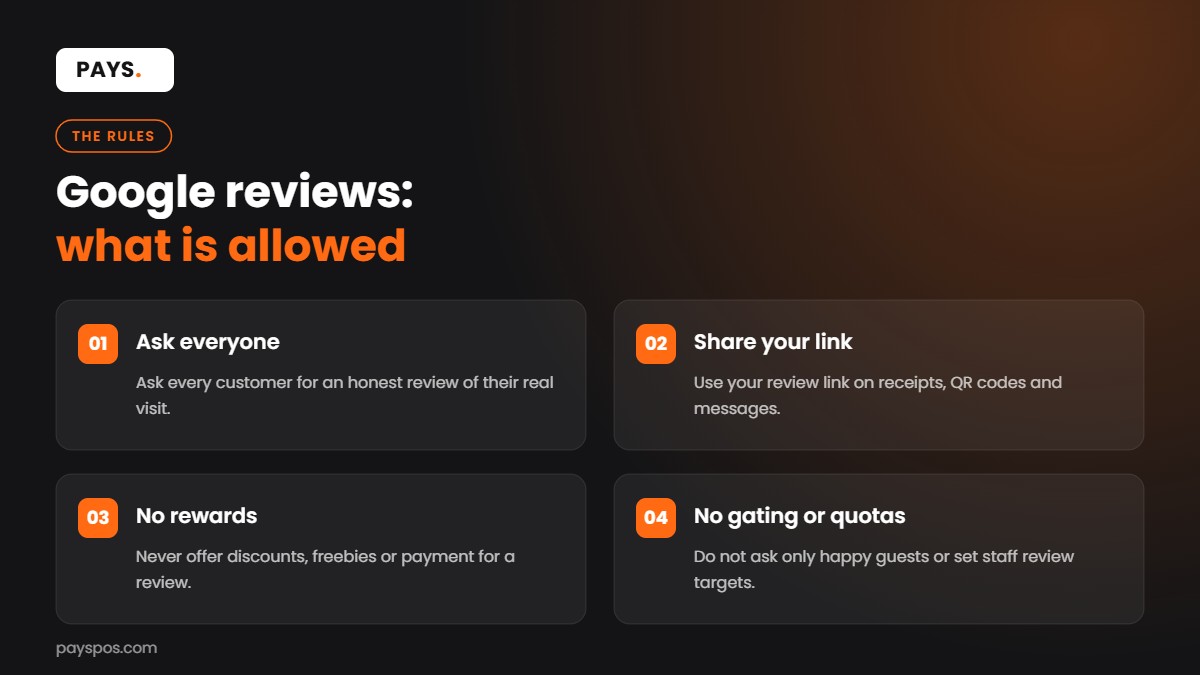
Google’s prohibited and restricted content policy for Maps sets out what businesses may not do. In short, you should not:
- Offer payment, discounts, free items or other incentives in exchange for a review
- Discourage negative reviews or ask only happy customers for reviews
- Pressure customers to leave a review while they are still on your premises
- Ask for reviews that include specific content
- Write reviews about your own business or a competitor’s
In April 2026, Google also added language against asking staff to solicit a set number of reviews or reviews with specific content, which covers practices like review quotas and contests built around staff names. What remains fully allowed: asking every customer for an honest review of their real experience, with no reward attached.
The FTC rule on reviews
In the US, the FTC’s rule on consumer reviews and testimonials took effect on October 21, 2024. Among other things, it bans fake reviews, buying positive or negative reviews, and suppressing reviews through threats or intimidation. It also bars offering incentives that are conditioned on the review being positive. If you sell in the US, treat honest, unconditional asking as the only safe way to grow your reviews.
How to get more Google reviews: 9 proven ways
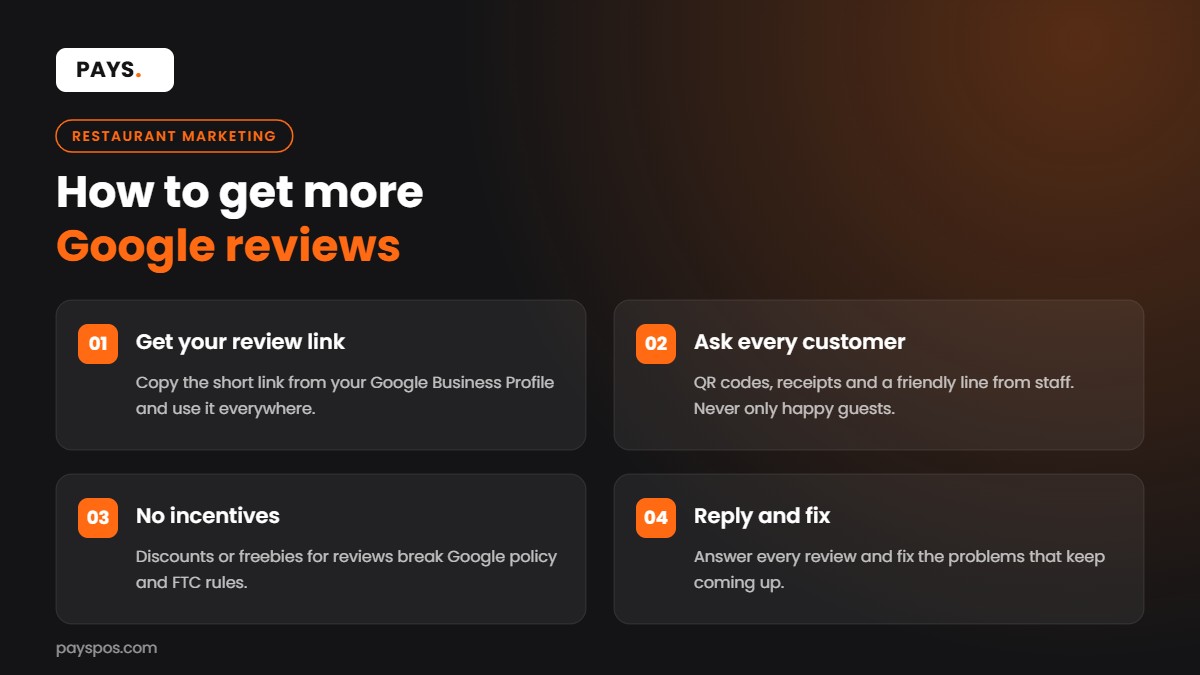
1. Get your direct review link (the first step in how to get more Google reviews)
Most customers will not search for your business, scroll to the reviews section and find the button. Give them a shortcut. From your Google Business Profile dashboard, choose the option to ask for reviews and copy the short link Google gives you. That link opens the review box directly.
Save it somewhere every manager can find it. You will use it on receipts, QR codes, emails, texts and your website.
2. How to get more Google reviews with a QR code
Turn your review link into a QR code and place it where customers naturally have a minute to spare:
- On table tents while guests wait for the check
- At the pickup shelf for takeout orders
- Near the register, beside the card reader
- On takeout bags or bag labels
Keep the message simple: “Enjoyed your visit? Tell others on Google.” Do not promise anything in return, and do not put a “5 stars please” message on it. Google’s policy is clear that you should not steer the rating or the content.
3. How to get more Google reviews from digital receipts
A digital receipt arrives right after the purchase, when the experience is still fresh. If your POS sends email or text receipts, add a short line with your review link at the bottom. This is one of the lowest-effort ways to ask every single customer, every single day, without any extra work for staff.
The same works for online orders. Add the link to the order confirmation or the “your order is ready” message.
4. Send a follow-up message after the visit
If customers opt in to messages through your loyalty program or online ordering, a short follow-up a few hours after the visit works well. One message is enough. A reminder or two is fine if it is spaced out, but repeated nagging annoys customers and hurts your brand more than a missing review.
The key rule: send it to everyone, not only to guests you think were happy. Filtering who gets asked based on how satisfied they seem is “review gating,” and Google’s policy prohibits selectively asking for positive reviews.
5. Train staff to ask, without quotas
A friendly person asking in person is still one of the most effective answers to how to get more Google reviews. Teach staff a simple, natural line, used at the end of a good interaction:
“Thanks for coming in. If you have a minute, we’d really appreciate an honest review on Google. There’s a QR code right here.”
Two rules keep this safe. First, never pressure guests to write a review on the spot. Second, do not set staff quotas or run contests based on reviews that name a server. Google’s 2026 policy update specifically calls out asking staff to solicit a certain number of reviews or reviews with specific content.
6. Reply to every review to get more Google reviews
Replies show future customers that someone is listening. They also encourage more people to leave reviews, because they can see the business actually reads them.
- Positive reviews: thank them by name if it is shown, and mention something specific they wrote.
- Negative reviews: respond calmly, apologize for the experience, and offer to make it right offline with a phone number or email.
- Mixed reviews: thank them for the good parts and address the concern directly.
Keep replies short. Never argue in public, and never share private details about the customer’s order or visit.
7. How to get more Google reviews by fixing what reviews mention
The fastest way to improve your rating is not a new tactic for asking. It is fixing the problem that keeps showing up. Read your last 50 reviews and tally the complaints: slow pickup, cold fries, wrong orders, rude phone calls, parking.
Then check your POS reports for the same issue. Long ticket times on Friday night, high void counts on one menu item, or a spike in refunds at one location often match what customers write. Fix the root cause, and better reviews tend to follow.
8. How to get more Google reviews with a complete profile
A complete profile makes the whole experience feel trustworthy, and it reduces reviews complaining about wrong hours or a closed kitchen. Check that you have:
- Correct hours, including holiday hours
- A current menu or product categories
- Recent photos of food, the space and the storefront
- Your website, phone number and online ordering link
- Accurate attributes such as outdoor seating, delivery or accessibility
9. How to get more Google reviews by asking at the right moment
Timing is a big part of how to get more Google reviews. The best moment is right after a positive peak in the experience, when the customer is relaxed and has a free hand:
- Restaurants: when the check is dropped or right after payment
- Quick service: on the receipt or the pickup message
- Retail: after a staff member helped find the right product
- Online orders: a short message after delivery is confirmed
Avoid asking during a rush, when a guest is waiting on a problem to be fixed, or before the experience is finished.
How to get more Google reviews with your POS
If you are still asking how to get more Google reviews without adding work for staff, start with your point of sale. It already touches every customer. Used well, it turns review requests into an automatic habit instead of something staff have to remember.
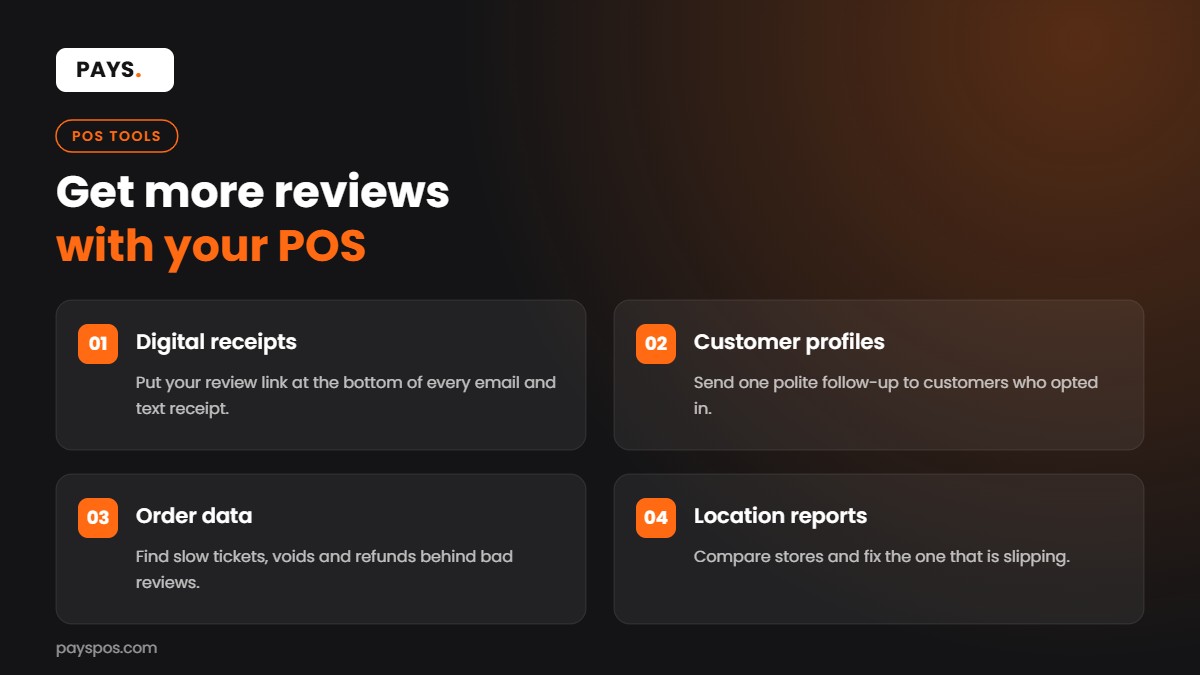
- Digital receipts: add your review link to email and text receipts so every customer gets one easy prompt.
- Customer profiles: loyalty sign-ups give you opted-in contacts for a single, polite follow-up.
- Order data: reports on ticket times, voids and refunds help you find the problems behind bad reviews.
- Online ordering: confirmation and pickup messages are a natural place for your link.
- Location reports: for multi-location brands, compare locations and spot the one that needs attention.
For a wider view of how reviews fit with the rest of your marketing, see our restaurant marketing plan template.
How to get more Google reviews: real-world scenarios
The neighborhood café with 38 reviews
A café has great coffee but only 38 reviews, the newest from five months ago. The owner adds the review link to text receipts and puts a small QR card by the pickup counter. Staff use one simple line when handing over drinks to regulars. Within a few months, new reviews arrive every week, and the profile looks active again.
The pizza shop with a wrong-order problem
A pizza shop keeps getting two-star reviews about missing items in delivery orders. The owner checks the POS and finds most complaints come from one delivery app on weekend nights. They add printed item labels for every bag and a final check at the pickup shelf. The complaints fade, and the owner replies to each older review explaining the fix.
The three-location boutique
A clothing boutique with three stores notices one location has a much lower rating. Location reports show it also has the longest checkout times on Saturdays. Adding a second register for weekends and a mobile checkout device shortens the line, and new reviews for that store start to mention fast service.
Mistakes that can cost you reviews
- Offering a discount for a review: even a small one breaks Google’s policy.
- Only asking happy customers: selective asking is prohibited and can backfire.
- Buying reviews or writing your own: against Google’s rules and banned by the FTC rule in the US.
- Arguing with reviewers: it looks bad to every future customer who reads it.
- Asking once and stopping: recency matters, so build a habit, not a campaign.
Our older guide on increasing Google and Yelp reviews also covers Yelp, which has its own, stricter approach to asking.
Glossary
- Google Business Profile: your free business listing on Google Search and Maps.
- Review link: a short URL that opens the review box for your business directly.
- Review gating: filtering customers so only happy ones are asked for a public review. Not allowed.
- Incentivized review: a review given in exchange for a discount, gift or payment. Not allowed on Google.
- Recency: how recently your latest reviews were posted.
- Digital receipt: a receipt sent by email or text from your POS.
How to get more Google reviews: a 30-day plan
If you want a simple routine for how to get more Google reviews, here is a four-week plan any restaurant or shop can follow. Each week adds one habit, so staff are never asked to change everything at once.
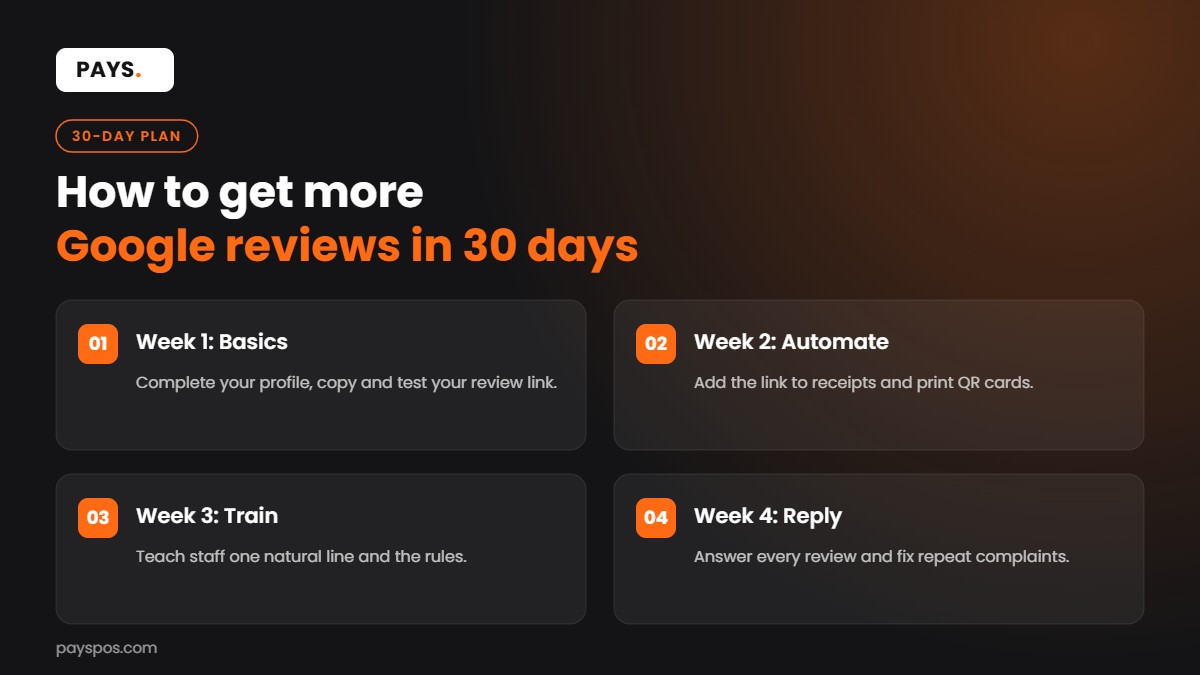
Week 1: set up the basics
Claim and complete your Google Business Profile, copy your review link and test it on a phone. Update your hours, photos and menu. This is the foundation of how to get more Google reviews, because a complete profile makes people more likely to trust and review you.
Week 2: automate the ask
Add your review link to digital receipts and online order confirmations. Print a small QR card for the counter, the pickup shelf and table tents. Automation is the most reliable part of how to get more Google reviews, because it asks every customer without anyone needing to remember.
Week 3: train the team
Teach staff one natural line to use at the end of a good visit, and explain the rules: no incentives, no pressure, no quotas and no asking only happy guests. A team that understands how to get more Google reviews the right way protects your profile as well as growing it.
Week 4: reply and review
Reply to every new review, good or bad, within a day or two. Then compare the month’s reviews with your POS reports. Look for repeated complaints, fix the cause, and note what guests praise most. The last step of how to get more Google reviews is making sure the next review is a better one.
After the first month, keep the habits running and check your review count and average rating once a week. Most businesses that follow a plan like this see a steady flow of new reviews, which is the real goal of learning how to get more Google reviews.
How to get more Google reviews without breaking the rules
A quick summary of what is safe and what is not:
- Safe: asking every customer for an honest review, sharing your review link, adding QR codes, replying to reviews and fixing problems.
- Not safe: discounts or freebies for reviews, asking only happy guests, staff review quotas, writing fake reviews or pressuring guests in the store.
Stick to the safe list and you can grow steadily without risking warnings or removed reviews. That is how to get more Google reviews year after year.
Key takeaways
- The simplest answer to how to get more Google reviews is to ask every customer, at the right moment, with a direct link.
- Never offer incentives, filter who you ask, or pressure guests on the spot.
- Receipts, QR codes and order messages make asking automatic.
- Reply to every review, and fix the problems reviews keep mentioning.
- Steady, recent reviews matter more than a one-time burst.
Frequently Asked Questions
What is the fastest way to get more Google reviews?
Get your direct review link, add it to digital receipts and a QR code at the counter, and have staff ask politely at the end of a good visit. These three steps reach almost every customer without extra cost.
Can I give customers a discount for leaving a Google review?
No. Google’s policy prohibits offering payment, discounts or free goods in exchange for reviews, even if you do not ask for a positive rating.
Is it OK to ask only happy customers for reviews?
No. Google prohibits selectively soliciting positive reviews. Ask everyone for an honest review and handle complaints directly and promptly.
Should I reply to negative reviews?
Yes. A calm, short reply that apologizes and offers to fix the issue offline shows future customers you care. Never argue or share private order details.
Can my POS help me get more Google reviews?
Yes. A POS with digital receipts, loyalty profiles and online ordering lets you add your review link to messages customers already receive, and its reports help you fix the issues behind poor reviews.
Turn every receipt into a review request with PAYS
PAYS brings digital receipts, online ordering, loyalty and location reports into one system, so asking for reviews becomes part of every sale. Explore PAYS marketing and reporting tools and book a free demo to see how it works for your business.