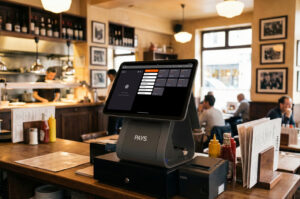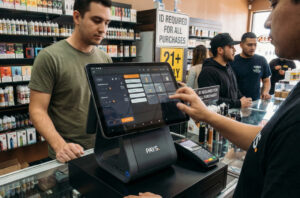
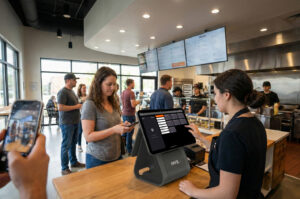
Why Every QuickService Restaurant Needs PAYS POS for DriveThru Management
Picture this: it’s a Friday night in Orlando. A line of cars gathers around your quick-service restaurant. Kids in the backseat are restless. The parents are watching the clock. You have about 90 seconds to win or lose that family forever.
Now imagine your POS freezes. The order display lags. The staff scrambles, and suddenly a family that could’ve been loyal for years decides, “Never again.”
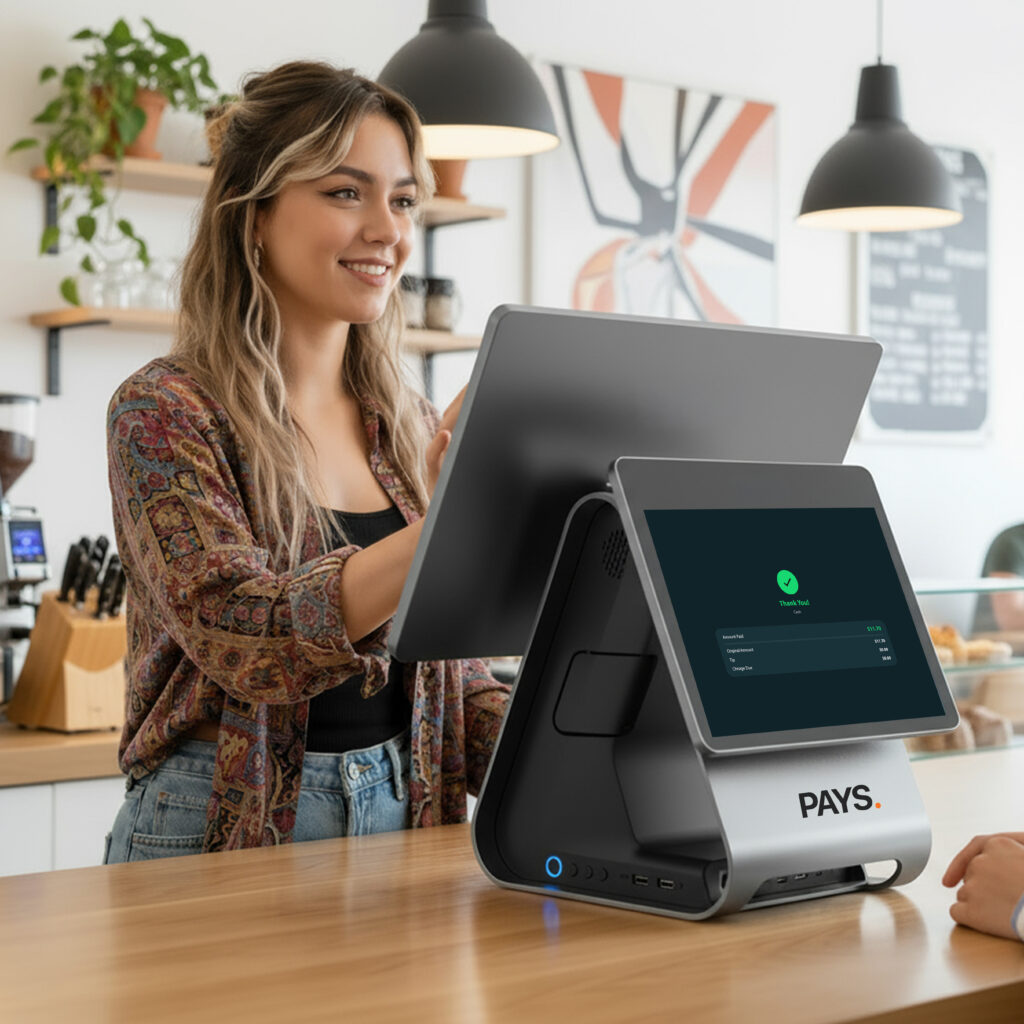
That’s why you need POS for Drive-Thru Management. And this is exactly where PAYS POS steps in.
Why Drive-Thru Management is Important for Quick-Service Restaurants
As a quick-service restaurant (QSR) owner, you must know that the drive-thru is an important part of your business. It’s not about convenience; it’s a revenue generator. Drive-thru management is necessary for delivering fast, accurate service and keeping your customers satisfied. Here’s why it matters:
- Speed: The quicker you process the orders, the more customers you can serve. This leads to higher revenue and customer satisfaction.
- Accuracy: If your POS system makes mistakes in the drive-thru, it can frustrate customers and harm your reputation. The orders are correct every time with effective management.
- Payment Processing: With quick, secure payment options, such as contactless payments, customers can streamline transactions.
- Customer Experience: A seamless, efficient drive-thru experience will encourage repeat business, building customer loyalty.
Strong drive-thru management helps your QSR run smoothly, improve service times, and boost profitability.
PAYS POS was built for this exact environment, fast, reliable, and built with dual pricing for 0% processing fees.
How to Boost Drive-Thru Speed and Accuracy with PAYS POS
Here’s the thing: drive-thru success is psychological. Guests in cars judge your brand in seconds. If their order is right, the line moves fast, and the receipt looks clean—they’ll come back. If not, trust is broken.
1. Speed Without Sacrifice
With dual pricing POS technology, transactions clear faster. That means no awkward “card declined” moments or frozen terminals.
2. Seamless Loyalty Programs
Turn a one-time order into a repeat guest. POS loyalty integrations let you offer “Buy 5, Get 1 Free” or seasonal promos that keep cars coming back.
3. Smarter Staffing with Real-Time Reporting
PAYS POS reporting tools give managers peak-hour data. Know when you need three window staff versus five, cutting labor waste.
4. Multi-Location Control
Own 10 stores? One login gives you visibility across all drive-thrus. PAYS POS is the best franchise POS system for operators scaling fast.
5. Integrations That Matter
Third-party integrations, such as DoorDash delivery and payroll, keep every aspect of the business connected.
And because PAYS POS has 0% fees, franchisees can reinvest those savings into staff training, better packaging, or loyalty campaigns that keep customers hooked.
What Are the Most Common Mistakes Quick-Service Operators Make?
As a quick-service restaurant (QSR) operator, it is important to look out for common mistakes. Here are the most common errors you should watch out for:
- Neglecting Staff Training
Untrained staff can easily slow service and often lead to mistakes. With regular training, you can keep everyone on track. - Overlooking Speed
Slow service is the main cause of long wait times and frustrated customers. If you streamline the processes for quicker service, it can be beneficial for drive-thru management. - Underusing Technology
Outdated systems slow down operations. A reliable POS system like PAYS POS can improve efficiency and tracking. - Ignoring Customer Feedback
If you fail to listen to your customers, you can miss the improvement opportunities. Collect the feedback regularly and act on them at the earliest. - Not Tracking Key Metrics
If you don’t track data on order accuracy and service speed, you can’t measure success. Make a habit of tracking the performance with your POS. - Neglecting Marketing
Marketing is an essential part of today’s restaurant strategy. It drives traffic, increasing reach to new customers. Keep your QSR top of mind with promotions, loyalty programs, and digital campaigns.
Avoiding these mistakes can help you improve efficiency, customer satisfaction, and profits in your QSR.
Why PAYS POS Beats the Competition
Other POS systems make promises, but when it comes to quick-service restaurants (QSRs), PAYS POS outshines the competition in key areas:
- Square: Even though the Square is built for small cafes, it struggles with high-volume drive-thrus. It simply doesn’t scale well for QSRs. Learn why PAYS POS is the better choice for drive-thru efficiency here.
- Toast: While Toast offers many features, its processing fees cut deep into your margins. With PAYS POS, you get 0% fees, keeping your profit margins intact. Find out more about PAYS POS vs. Toast here.
- Clover: Clover offers hardware but lacks the ability to implement true dual pricing savings, which means you miss out on critical cost-saving opportunities. See how PAYS POS compares to Clover here.
- Lavu: While Lavu is a good option for some, it’s not designed with QSRs in mind. It can’t match the dual pricing and franchise-friendly benefits that PAYS POS provides. Compare PAYS POS vs. Lavu here.
Meanwhile, PAYS POS: Free hardware, dual pricing, 0% processing fees, seamless loyalty program integrations, and a franchise-friendly solution. The clear choice for any QSR.
End Note
The next time you look at that line of cars, ask yourself: Is my POS keeping up, or slowing me down?
Franchise owners who switch to PAYS POS aren’t just upgrading software. They’re unlocking faster service, loyal customers, and tens of thousands in annual savings.
Book a Free Demo of PAYS POS Today. Think Payments. Think PAYS.
FAQs
PAYS POS combines speed, loyalty integrations, and 0% processing fees—making it the top choice for franchises that depend on drive-thru revenue.
By offering a cash/credit choice, PAYS POS eliminates processing fees. Owners keep 100% of sales revenue.
Absolutely. One dashboard gives operators visibility into all stores—making it the best POS for multi-location franchise growth.
Yes. It’s PCI DSS compliant, EMV ready, and built for secure transactions.
Disclaimer: This article is an unbiased and informative comparison. It is not intended to criticize, defame, or harm the reputation of any other brand mentioned.