PAYS vs Clover: Which POS System Is Best for Restaurants in 2025?
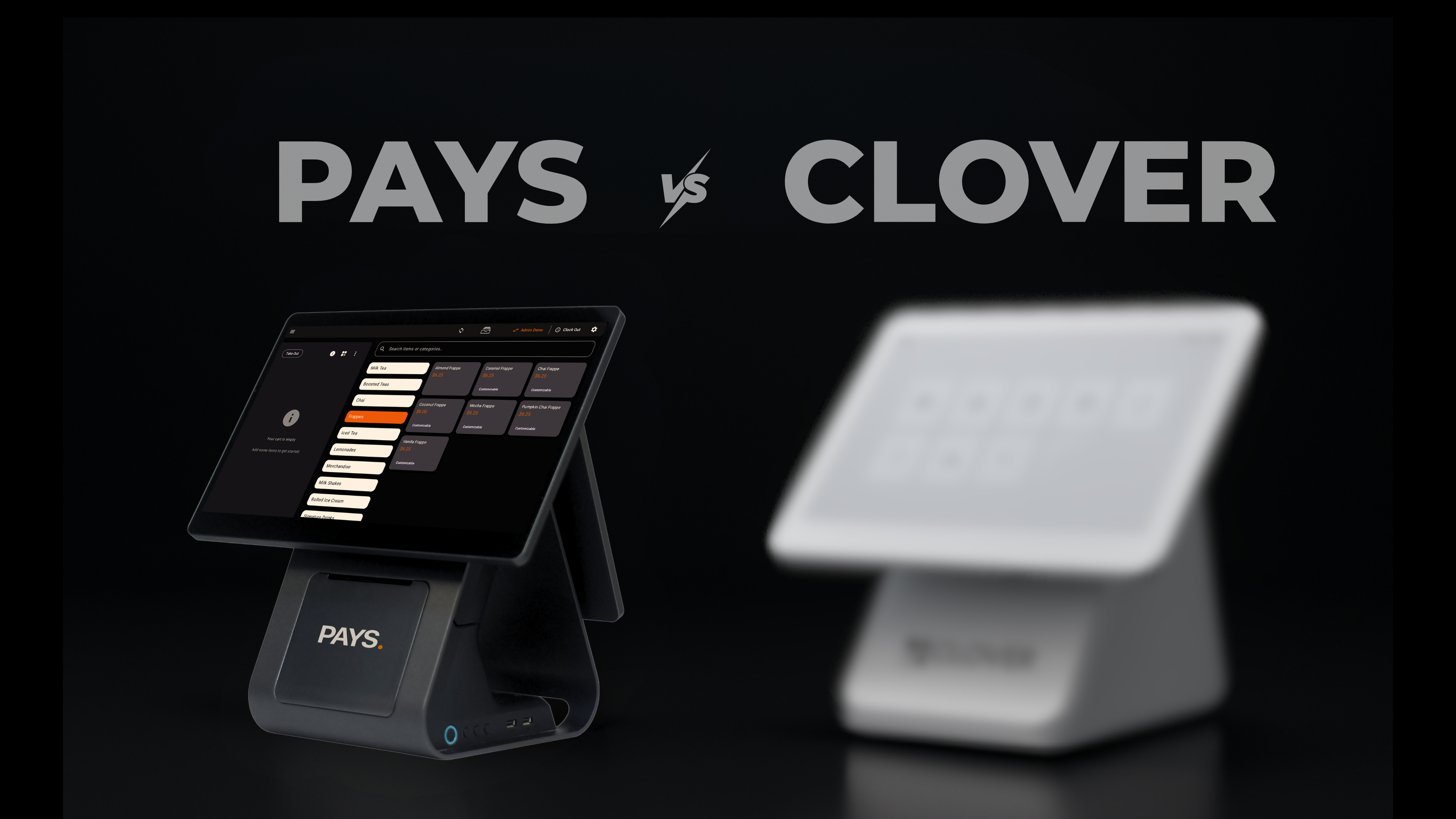
We recently surveyed 72 quick-service restaurant owners. And at least one in four said their biggest daily headache is POS systems crashing right when they need them most.
And when you deal with the downtime yourself, you’ll know exactly how frustrating it is. Every minute that your system is down, you lose orders, your customers are unhappy, and extra stress for you and your team.
That is exactly why choosing the right POS system is a decision that will affect your entire restaurant. But as so many brands claim to be “the best,” how do you figure out which one actually fits your needs and keeps your business running smoothly?
Let’s take a look at this comparison of PAYS vs Clover and see for yourself.
How Much Are You Really Paying in POS Fees Each Month?
If you’re running a restaurant, you’ve probably heard about Clover, one of the biggest names in the POS space. And now, there’s a new name making waves for all the right reasons: PAYS POS.
Both systems promise to simplify your operations and improve your bottom line, but the way they go about it couldn’t be more different. Clover is a traditional, processor-owned POS platform, sleek, widely used, but tied to high processing fees and long-term contracts. It’s designed for general businesses, from salons to retail shops, and works best if you’re okay paying around 2.3%–3.5% per transaction on every sale.
PAYS POS, on the other hand, was built specifically for restaurants and QSR businesses where margins are razor-thin, speed is everything, and every extra dollar counts. It uses a dual pricing model that eliminates processing fees entirely, meaning you keep 100% of your revenue.
The table below gives you a quick snapshot of PAYSPOS vs Clover and how both systems stack up side by side so you can see exactly where the real differences begin.
Features | PAYS POS | Clover |
Processing Fees | 0% (Dual Pricing) | 2.3–3.5% per transaction |
Hardware Ownership | Free, you own it | Leased or locked contracts |
Setup Time | 1–2 days | Up to 1 week |
Support | 24/7 Dedicated Manager | Tiered or delayed response |
Ideal For | Restaurants, QSRs | Retail, salons, small shops |
In short, Clover works, but it’s built for everyone. PAYS POS wins because it’s built for you, the restaurant owner who wants control, speed, and savings without compromise.
Do You Truly Own Your POS Hardware or Are You Just Leasing It?
If you’ve ever switched Point of sale systems before, you know the struggle with the contracts, the hardware fees, and the endless waiting for “approval” just to replace a device that’s stopped working. That’s because most legacy systems, like Clover, operate on a hardware lock-in model.
You don’t actually own the terminals you use every day. You’re leasing them often on long-term contracts that charge you monthly for devices that technically aren’t even yours.
- Most Clover users don’t actually own their POS hardware; they lease it on long-term contracts, paying monthly for devices that technically aren’t theirs.
- When a terminal or card reader fails, you can’t simply replace it yourself.
- The replacement process involves filing a request, waiting for provider approval, and often paying additional service fees.
- This setup keeps restaurant owners dependent, not empowered, and creates downtime during critical rush hours.
- PAYS POS takes a completely different approach, you receive free hardware that you fully own from day one.
- There are no rentals, no hidden clauses, and no “return if you cancel” policies.
In the PAYS POS vs Clover debate, this hardware ownership model is one of the biggest advantages. It gives restaurant owners real control, flexibility, and peace of mind, exactly what growing restaurants need to thrive.
When your business runs on speed, flexibility isn’t optional, it’s essential. With PAYS, you call the shots, own your tools, and never have to pause your business because of someone else’s rules.
Also Read: How PAYS POS Cuts Order Errors in Half
Is Your POS System Helping Your Team or Slowing Them Down?
Think about all the platforms you rely on every day: online ordering apps, delivery partners, inventory tools, accounting software, loyalty programs, and maybe even a separate CRM.
If you’re using Clover, you probably know the struggle. It may offer plenty of third-party apps, but many of those come with extra monthly fees or require complicated setups.
This fragmented setup is one of the biggest frustrations restaurant owners talk about in the PaysPOS vs Clover discussion.
PAYS POS, on the other hand, was designed for modern restaurants that run on data and speed. It comes pre-integrated with essential tools from delivery apps and menu management platforms to payment gateways and accounting systems.
That means your online orders flow straight into your POS, inventory updates automatically, and sales reports sync instantly.
With PAYS POS, all your systems finally speak the same language without you paying extra for it.
So when it comes to daily operations and data flow, PaysPOS vs Clover isn’t even a close comparison. PaysPOS gives you real-time control and visibility across your business so you can reduce errors, eliminate delays, and focus on growth, not troubleshooting.
Learn More: Why PAYS POS is the Fastest Checkout for Restaurants
Why PAYS POS Wins for Restaurants That Want Control
At the end of the day, both Clover and PAYS POS systems promise to simplify your operations, but only one is actually built to put you in control. The real question isn’t just about features, it’s about long-term value. That’s why so many restaurant owners are now comparing PAYS vs Clover before making a decision.
Clover works well for general retail and small businesses that don’t mind paying monthly fees, renting hardware, and juggling integrations. But if you run a restaurant, where every second counts and every percentage point in fees matters, those limitations quickly turn into frustrations.
PAYS POS was built differently for business owners who are tired of hidden costs, long-term contracts, and systems that fail when it matters most. It is fast to set up, simple to use, and has real human support.
So, are you ready to take control of your profits, streamline your operations, and finally stop sharing your hard-earned revenue?
Switch to PAYS POS today.
Book Your Free Demo and see how much you could save this month.
FAQS
Clover has monthly fees, rented hardware, and extra processing charges. PaysPOS, on the other hand, gives you ownership of your hardware, has zero hidden fees, and allows you to keep more of what you earn.
Yes! It’s called a dual pricing model. Customers who pay with a card have to pay the processing cost, while cash payments aren’t affected.
Absolutely. PAYSPOS makes the switch smooth and fast. Our team will help you migrate your menu, import customer data, and set up your system. So your restaurant is up and running within 1–2 days.
Yes! PAYSPOS comes connected with popular delivery platforms like Uber Eats, DoorDash, Grubhub, and more. It also syncs with accounting and loyalty programs, all without extra fees or complicated setups.
Yes, you do. PAYSPOS gives you free devices you fully own from day one. No rentals, no “return if you cancel” clauses, just tools you can use freely to run your business.
Disclaimer: This article is an unbiased and informative comparison between PAYS POS and Clover. It is not intended to criticize, defame, or harm the reputation of Clover or any other brand mentioned.