How Retail POS Systems Can Help Clothing Stores Manage Size and Style Inventory
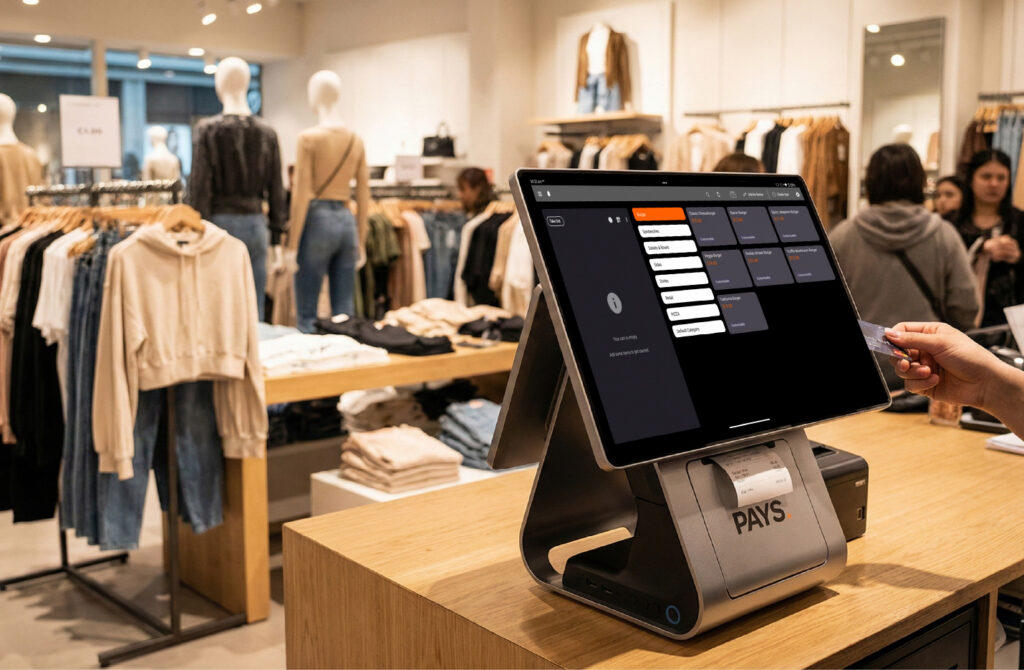
Did you know that retailers lose nearly 8–10% of sales due to stockouts, while excess inventory can tie up as much as 20–30% of working capital. When you’re managing multiple sizes, colors, styles, and seasonal collections, even a small tracking error can lead to missed opportunities and unnecessary markdowns.
You’re not just selling products, you’re managing combinations. A single shirt design might come in five sizes and four colors, instantly turning one item into 20 different SKUs. Multiply that across dozens of styles and changing trends, and inventory control becomes one of your biggest operational challenges.
Manual tracking, spreadsheets, or outdated systems make it difficult to maintain real-time accuracy. You may think a medium is in stock, only to discover it was sold hours ago. Or you might reorder a slow-moving size while your best-selling variant quietly runs out.
To stay competitive, you need more than a billing tool, you need a retail POS system that tracks size and style variations with precision, updates stock automatically, and gives you clear visibility into what’s selling and what’s not.
In this article, you’ll discover how modern retail POS systems help you manage clothing inventory efficiently, reduce stock discrepancies, and turn inventory control into a strategic advantage for your store.
The Unique Inventory Challenges You Face in Clothing Retail
Managing inventory in a clothing store is far more complex than in most other retail sectors. You’re not tracking single products, you’re managing variations. Every style comes in multiple sizes, colors, and sometimes fits, instantly multiplying your SKU count.
A single jacket might be available in five sizes and three colors. That’s 15 inventory entries for just one design. Now multiply that across dozens or hundreds of products, and you’re dealing with thousands of SKUs that must be tracked accurately every single day.
Seasonality adds another layer of pressure. Trends change quickly. What sells out this month may sit untouched next season. If you overstock the wrong size or style, you tie up capital in dead inventory. If you understock popular variants, you lose immediate sales, and potentially long-term customers.
You also face challenges like:
- Uneven size demand (for example, medium and large selling faster than XS or XXL)
- Color-specific popularity shifts
- High return and exchange rates
- Inconsistent manual stock updates
Without a system designed to handle these variables in real time, small tracking gaps can quickly snowball into lost revenue, excessive markdowns, and frustrated shoppers.
This is why clothing retail requires a POS system built specifically for detailed size and style inventory management.
Real-Time Size and Style Tracking That Keeps You in Control
When you’re managing hundreds, or even thousands, of size and color combinations, accuracy can’t be optional. You need instant visibility into what’s available on your shelves, in your stockroom, and across locations.
A modern retail POS system gives you SKU-level tracking for every size, style, and color variation. The moment a sale is completed, your inventory updates automatically. There’s no waiting for manual adjustments or end-of-day reconciliation. What you see in the system reflects what’s actually in stock.
This real-time tracking allows you to:
- Instantly check availability for specific sizes and colors
- Avoid selling items that are already out of stock
- Identify fast-moving variants quickly
- Monitor low-stock sizes before they run out
Instead of guessing which styles are performing well, you get clear, live data. If medium-sized black dresses are selling twice as fast as other variants, you’ll know immediately, and can reorder accordingly.
With accurate, real-time size and style tracking, you reduce stock discrepancies, improve staff confidence, and ensure your customers leave with exactly what they’re looking for.
Preventing Stockouts and Overstocking With Smart Alerts
One of your biggest inventory risks is imbalance. If you understock popular sizes, you lose sales. If you overstock slow-moving styles, your capital gets stuck on shelves.
A retail POS system helps you avoid both problems by giving you automated low-stock alerts at the size and style level. Instead of realizing too late that your best-selling size is gone, you receive notifications before it runs out.
This allows you to:
- Reorder high-demand sizes on time
- Avoid emergency restocking
- Reduce lost sales from stockouts
- Maintain consistent product availability
At the same time, sales reports help you identify slow-moving sizes or colors. If a specific style isn’t performing, you can adjust pricing, launch promotions, or slow down reorders before excess inventory builds up.
Rather than reacting to problems after they affect revenue, you make proactive decisions. Smart alerts and data-driven insights help you maintain the right balance, keeping shelves full of what sells while minimizing dead stock that hurts your margins.
Managing Inventory Seamlessly Across Multiple Store Locations
If you operate more than one clothing store, or plan to expand, inventory visibility becomes even more critical. Without a centralized system, you may end up overstocked in one location while another store runs out of the same size or style.
A clothing retail POS system with multi-store synchronization gives you a unified inventory dashboard. You can see stock levels for every size, color, and style across all locations in real time. This eliminates guesswork and helps you distribute inventory strategically.
With centralized control, you can:
- Transfer stock between stores quickly
- Identify which locations sell specific sizes faster
- Balance inventory to avoid unnecessary reorders
- Track performance store by store
For example, if large sizes sell faster in one area while smaller sizes move quicker in another, you can adjust distribution accordingly. Instead of placing new orders immediately, you optimize existing stock across your network.
By managing all locations under one system, you improve inventory accuracy, reduce carrying costs, and ensure customers find what they need, no matter which branch they visit.
Using Sales Analytics to Make Smarter Buying Decisions
Inventory management isn’t just about tracking what you have, it’s about knowing what to buy next. Without clear data, you’re forced to rely on instinct when placing orders. And in clothing retail, guesswork can be expensive.
A modern retail POS system provides detailed sales analytics at the size and style level. You can see exactly which variants are performing best, which colors are trending, and which sizes consistently sell out first.
With these insights, you can:
- Reorder high-performing sizes with confidence
- Reduce purchases of slow-moving styles
- Identify seasonal buying patterns
- Forecast demand based on historical data
- Plan promotions for underperforming inventory
Instead of over-ordering across all sizes equally, you align your purchasing strategy with actual demand. If medium and large sizes account for 60% of your sales in a particular style, you adjust your buying ratios accordingly.
Data-driven purchasing not only reduces dead stock but also improves cash flow. You invest more in what sells and less in what sits, turning your POS system into a powerful planning tool, not just a checkout solution.
How PAYS POS Helps You Master Size and Style Inventory Management
Managing apparel inventory requires precision, and that’s exactly where PAYS POS gives you an advantage. Instead of juggling spreadsheets or disconnected tools, you manage every size, color, and style from one centralized platform.
With PAYS POS, you can create detailed SKU variants for each product, allowing you to track inventory at the size and color level automatically. Every sale updates stock in real time, eliminating manual errors and giving you accurate visibility at all times.
You also gain:
- Automated low-stock alerts for specific sizes and styles
- Centralized multi-location inventory control
- Real-time stock lookup for faster customer service
- Detailed sales analytics to guide smarter reordering
- Easy stock transfers between branches
Instead of reacting to stock problems, you stay ahead of them. You know which sizes are selling fastest, which styles need promotion, and when to reorder before a stockout impacts sales.
By combining accurate tracking with actionable insights, PAYS POS helps you reduce dead stock, protect margins, and ensure your customers always find the right fit in your store.
Conclusion
Managing size and style inventory in a clothing store will always be complex, but it doesn’t have to be chaotic. When you have real-time visibility into every SKU, automated stock alerts, and clear sales analytics, you shift from reactive problem-solving to proactive planning.
Instead of losing sales due to stockouts or tying up cash in unsold sizes, you make data-driven decisions that protect your margins. You improve customer satisfaction by ensuring the right sizes and styles are available when shoppers need them. And you streamline operations so your team spends less time tracking inventory and more time serving customers.
With the right retail POS system in place, inventory management becomes a strategic asset, not an operational burden.
Let’s take a look at how PAYS POS can help you track every SKU accurately, prevent stock imbalances, and make smarter buying decisions with confidence.
Schedule a demo today and see how PAYS POS transforms apparel inventory management into a growth opportunity.
FAQs
PAYS POS allows you to create SKU variants for each size, color, and style combination. Every sale automatically updates inventory at the variant level, ensuring accurate, real-time stock tracking.
Yes. PAYS POS offers automated alerts for individual size or style variants, helping you reorder popular items before they run out and prevent lost sales.
Absolutely. PAYS POS provides centralized inventory control across multiple store locations, allowing you to monitor stock levels, transfer items between branches, and view consolidated reports from one dashboard.
With detailed sales analytics, PAYS POS shows which sizes and styles are performing well and which are slow-moving. This enables you to adjust purchasing decisions and avoid tying up capital in excess inventory.
Yes. PAYS POS is scalable and designed to support small fashion boutiques as well as multi-location clothing retailers, offering flexible features that grow with your business.